Prop Firms That Use TradingView: Every Firm With Real Chart Execution, How It Connects, and Which Allow Bots
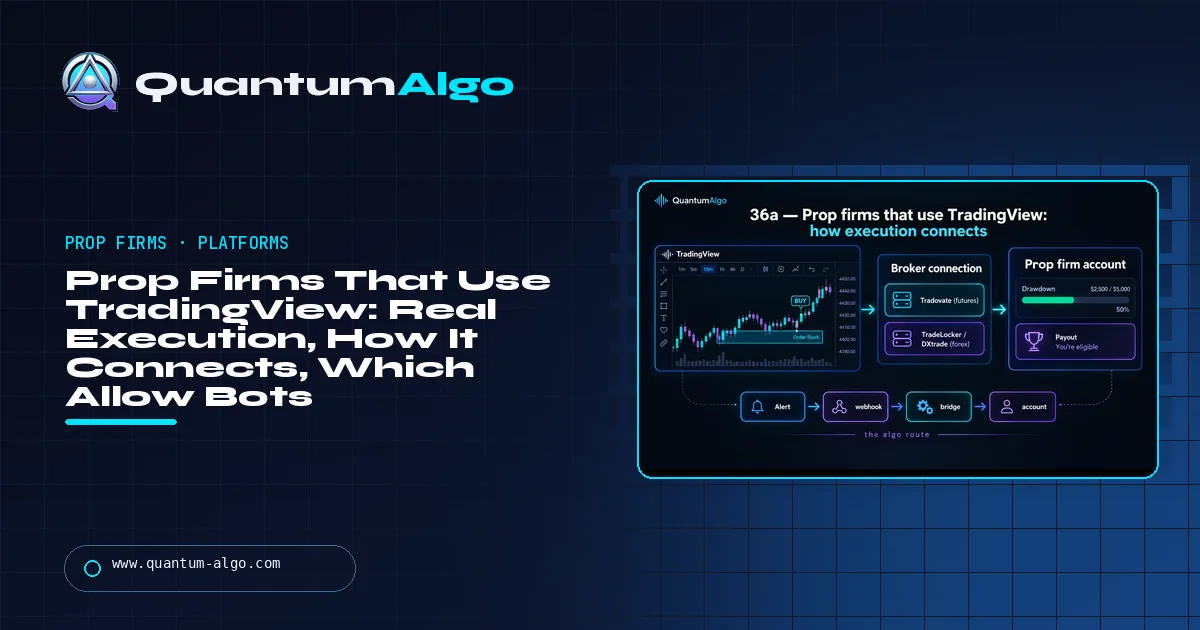
A prop firm uses TradingView only if orders leave the chart via its Trading Panel. Futures: Tradovate firms (My Funded Futures, Tradeify, Lucid Trading, TradeDay, Elite Trader Funding, Apex Tradovate plans), Topstep (TopstepX), Take Profit Trader (CQG). Forex: The5ers, FundedNext, FXIFY, Top One Trader, TradeLocker, DXtrade, Match-Trader firms. Bots: Tradovate firms mostly yes, Topstep assisted only, Take Profit Trader no.
"Which prop firm uses TradingView" gets two kinds of answer online: lists that count any firm whose platform shows TradingView-style charts, and the real answer, which is much shorter. This page is the real one: the futures and forex firms where a TradingView account with your own indicators places the orders, how each connection works, what the bridge route costs you, and — because it is always the next question — which of them let you connect a bot.
Indicators that prove themselves in public.
One engine, four precision tools — the Gold (XAU) Scalper, the institutional Gravity Zone, the Zeno momentum Oscillator, and Zeno Stocks for equities.
What does it mean when a prop firm uses TradingView?
Every prop firm "supports TradingView" in the sense that you can look at a TradingView chart while you trade somewhere else. That is not what anyone searching this phrase wants. They want the order ticket on the chart: a broker connection in TradingView's Trading Panel so that the entry, the stop and the target are placed from the same screen the indicators are on, with the prop-firm account's balance and drawdown visible or at least respected. A much smaller number of firms offer that, and they offer it in two ways.
Native. The firm's accounts run on a broker that TradingView connects to directly — Tradovate for futures, TradeLocker, DXtrade or Match-Trader for forex and CFDs — or on the firm's own TradingView integration (Topstep). You log the broker into TradingView and trade. Bridge. The firm's platform has no TradingView connection, so a Pine strategy fires an alert to a webhook and a third-party bridge (or your own bot) places the order. It works, and it is how most automated prop trading is done, but it is one more hop and one more thing to be liable for. Everything else is chart only, and this page does not count it.
This guide lists the firms with a real TradingView execution path as of September 2026, futures and forex separately, explains how each connection works and what it costs you, folds in the question every TradingView trader asks next — which of these allow bots — and ends with a finder that matches market, execution style, drawdown and budget to the firms. It is the sister page to prop firms that use MT4; the cheapest prop firms page has the true-cost arithmetic for every firm below.
How does TradingView execution reach a prop account?
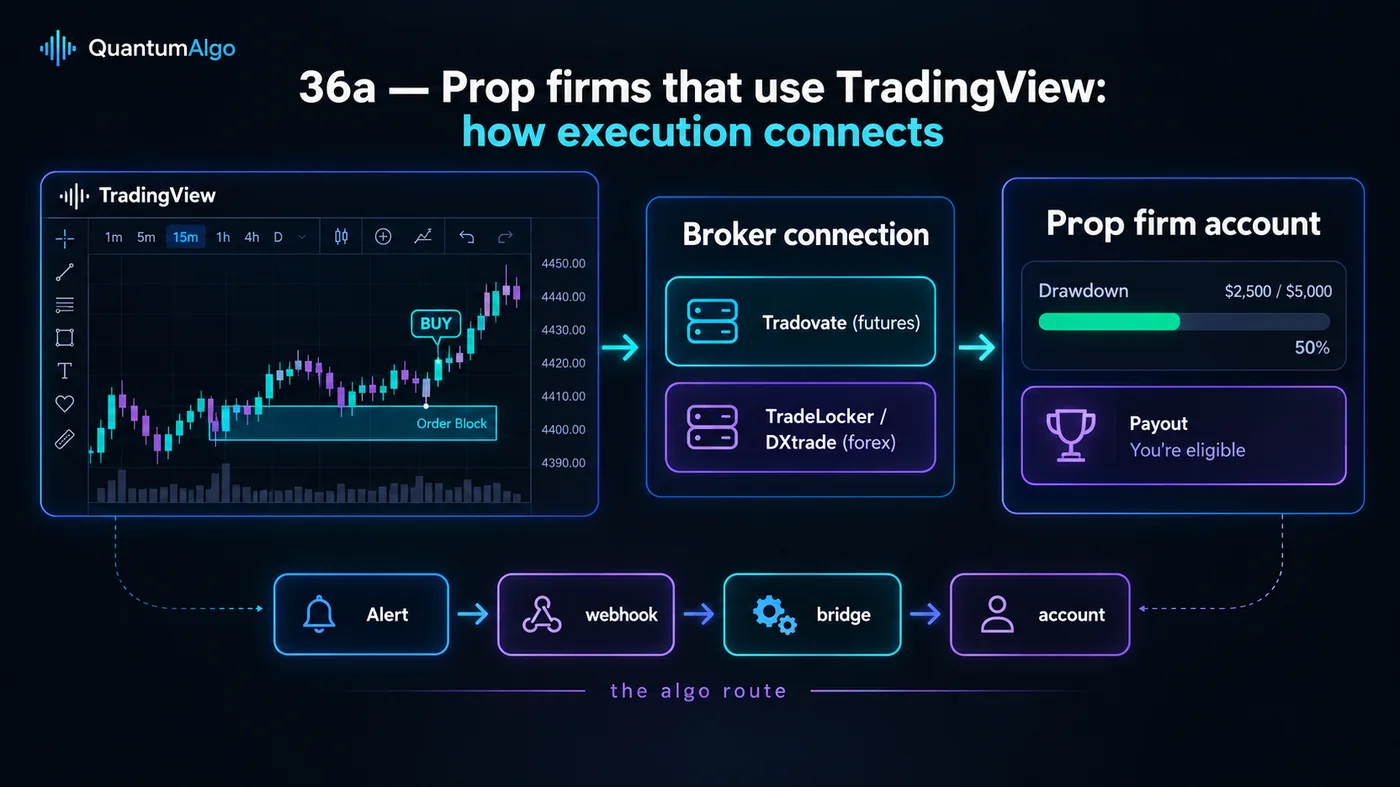
On the futures side the answer is almost always Tradovate. Tradovate is a futures broker and platform (part of the NinjaTrader group) that TradingView connects to natively, and most futures prop firms issue their evaluation and funded accounts as Tradovate accounts, so "TradingView execution" at My Funded Futures, Tradeify, Lucid, TradeDay, Elite Trader Funding and Apex's Tradovate plans is the same thing: the Tradovate broker logged into TradingView's Trading Panel. The Tradovate review covers the platform itself; the Rithmic vs Tradovate answer explains why Rithmic-feed firms cannot do this. Topstep is the exception that built its own: TopstepX connects to TradingView directly.
On the forex side the connection is the firm's broker platform — TradeLocker, DXtrade (see what DXtrade is) or Match-Trader — each of which exposes a TradingView connection or embeds TradingView charts with its own order ticket. The embedded version is not the same as trading from your own TradingView account with your own indicators, and firm marketing rarely distinguishes the two; the tables below do.
Which futures prop firms offer TradingView execution?
| Firm | Connection | Cheapest evaluation | Drawdown | Payouts / split | Bots |
|---|---|---|---|---|---|
| Topstep | TopstepX ↔ TradingView (native) | $49 / month for $50k | End of day | 100% of first $10k, then 90/10; after 5 winning days | Allowed with restrictions; no unattended automation |
| My Funded Futures | Tradovate | $109 for $25k (one-time) | EOD in eval; intraday on funded Rapid, EOD on Pro / Rapid EOD | 90/10 daily eligibility (Rapid); 80/20 14-day (Pro) | Allowed; no HFT, no copy trading across accounts |
| Tradeify | Tradovate-connection accounts | $145 for $50k | Plan-specific, mostly EOD | 90/10 | Allowed |
| Lucid Trading | Tradovate (CQG feed) | $146 for $50k | Trailing EOD | 90/10 | Allowed |
| TradeDay | Tradovate | $99 / month | Choice: static, intraday or EOD | 80/20 rising to 90/10; daily | Allowed |
| Take Profit Trader | CQG feed → TradingView | $150 / month for $25k | EOD on Test; intraday on PRO | 80/20 from day one above buffer; 90/10 on PRO+ | Automated trading prohibited |
| Apex Trader Funding | Tradovate (on Tradovate-plan accounts only) | $147 list, usually 80–90% off | Trailing | 100% of first $25k, then 90/10 | Allowed; identical trades across accounts restricted |
| Elite Trader Funding | Tradovate | $165 / month | Several plans | 80/20 | Allowed |
Two things to read off that table. The drawdown column is the one that decides your pass rate, and it is not the same across the Tradovate firms even though the platform is: the MFFU review and the Topstep review show how differently two TradingView-native firms treat a winner that round-trips. And the last column matters more than it looks — Take Profit Trader connects to TradingView beautifully and bans the bot you might want to connect to it.

Automate your trades. Let Quantum Algo trade for you.
Every signal executed on your own account — on your account, with the plan you define.
Which forex and CFD prop firms execute from TradingView?
| Firm | Connection | Cheapest challenge | Drawdown | Split | US residents |
|---|---|---|---|---|---|
| The5ers | TradingView connection alongside MT5 | $35 for $5k | Trailing on some plans, static on others | 80–100% | Yes |
| FundedNext | TradingView via the platform connection | $32.99 for $5k | Static | up to 95% | Check current terms |
| FXIFY | TradingView via the broker; DXtrade and MT also | $39 for $5k | Trailing / static by plan | up to 90% | Check current terms |
| Top One Trader | Match-Trader / TradeLocker with TradingView charts | $65 | Plan-specific | up to 90/10 | Yes on non-MetaTrader routes |
| FTUK, Ment Funding | TradeLocker / Match-Trader / DXtrade | Varies | Trailing | up to 80–90% | Yes — MetaTrader unavailable to US clients |
| FTMO | DXtrade / cTrader (embedded charts), not your TradingView account | €155 for $10k | Static | 80–90% | MT5 route only |
Forex is where the "embedded charts" trap lives. FTMO's DXtrade and cTrader platforms show TradingView-style charts inside the platform; that is not a connection to your TradingView account, your indicators or your alerts. The firms in the first four rows connect the account to TradingView itself. The FTMO review and FundedNext review have the platform details; if you are a US resident, the prop firms for US traders page explains why the MetaTrader firms are closed to you and these are not.
What does each TradingView route cost you?
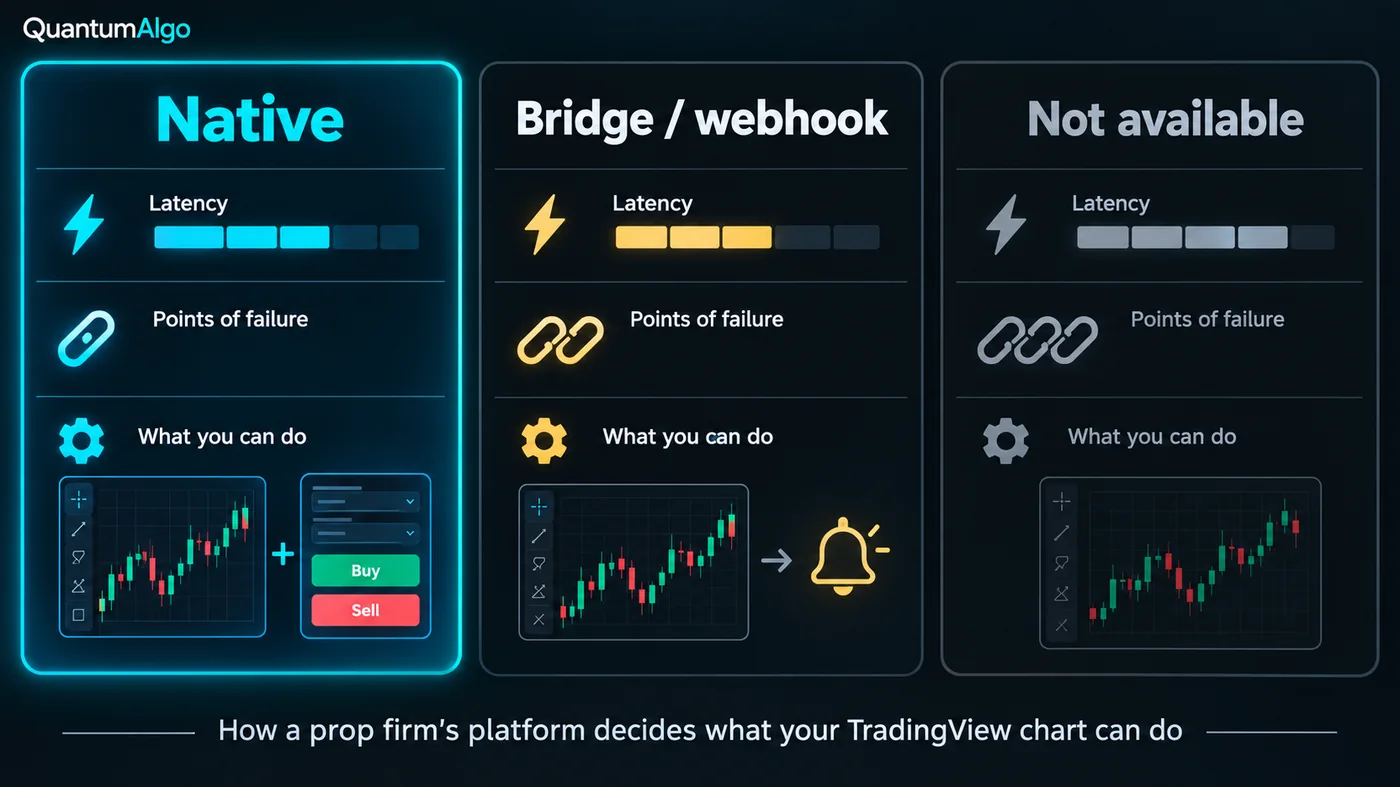
| Native connection | Alert → webhook → bridge | Chart only | |
|---|---|---|---|
| Where the order is placed | On the TradingView chart | By a bridge or bot receiving the alert | On the firm's platform, by hand |
| Latency | Broker round trip | Alert delivery + bridge + broker; typically one to several seconds | Your reaction time |
| Points of failure | One (the broker) | Three (TradingView alert, bridge, broker) | One (you) |
| Indicators and alerts on the executing chart | Yes | Yes | Charts only |
| Drawdown visible on the chart | Sometimes (Topstep); usually on the broker platform | No — the bridge does not know the firm's rules | On the platform |
| Who is liable for a stuck order | You | You — and the bridge's terms say so | You |
| Best for | Discretionary TradingView traders | Systematic traders and QuantumBot-style execution | Everyone else |
The native route is the one to want. The bridge route exists because it is the only way to automate a TradingView strategy on any account, and QuantumBot runs on it; the price is that the bridge cannot see the firm's drawdown or contract limits, so those have to be enforced in the strategy and in the bridge's own risk settings. The trading bots guide compares the bridges.
Which of these allow bots and algo trading
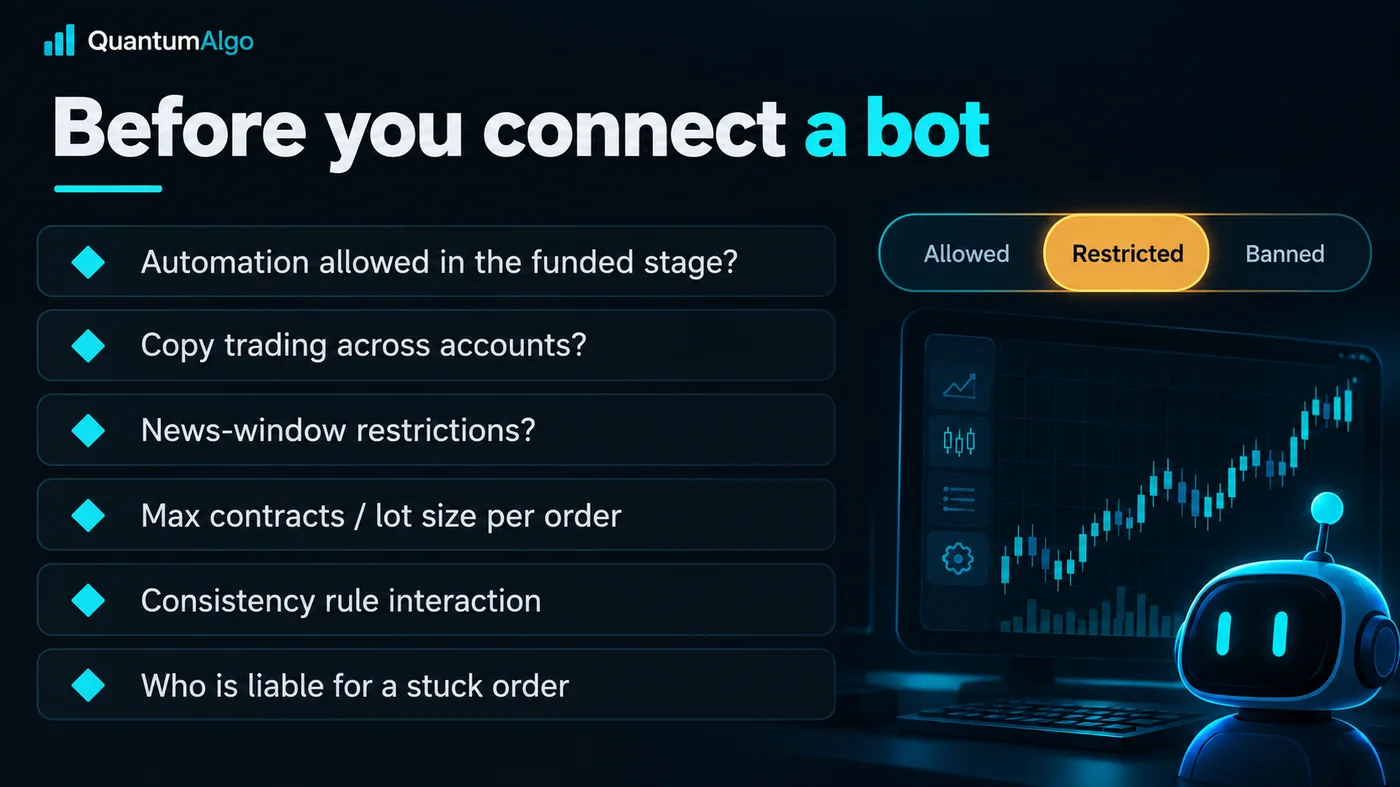
Every TradingView-native firm gets the same follow-up question: can I connect a bot? The honest answer is that most futures firms allow automation with conditions, a few ban it outright, and the conditions are where funded accounts get closed. The six things to check on the rules page, in order:
- Is automation allowed in the funded stage, not just the evaluation? Several firms permit EAs and webhooks in the evaluation and restrict them once real payouts are involved. My Funded Futures, Tradeify, Lucid, TradeDay and Elite allow it in both stages with exclusions; Topstep allows semi-automation but not unattended trading; Take Profit Trader prohibits it.
- Copy trading across accounts. Running the same bot on two accounts at the same firm — or at two firms sharing a broker — is the most common ban and the easiest to trip by accident. Apex restricts identical trades across accounts; MFFU bans copying between accounts outright.
- News windows. Take Profit Trader and several forex firms restrict trading around scheduled releases; a bot that does not know the calendar will breach the rule for you.
- Contract or lot limits per order. The firm caps position size; a bot that scales in can exceed it on the third add. Cap it in the bridge as well as the strategy.
- Consistency-rule interaction. A bot that has one huge day breaks a 30–50% consistency rule as surely as a human does. Size flat.
- Liability for a stuck order. If the bridge places an order and the connection drops, the position is yours. Every bridge's terms say so; every firm's terms say the account is yours to manage.
Firms that state automation is allowed, with those exclusions, as of September 2026: My Funded Futures, Tradeify, Lucid Trading, TradeDay, Elite Trader Funding, Apex (with the cross-account rule), and on the forex side The5ers, FundedNext and FXIFY with EA limits. Topstep: assisted automation only. Take Profit Trader: prohibited. Rules change; the do trading bots work answer is the honest primer on whether the bot is worth connecting at all, and the options prop firms guide shows how differently the same firms treat non-standard trading.
TradingView prop firm finder
Choose the market, how you want to execute from TradingView, the drawdown you can live with, a budget for the first evaluation and whether you are a US resident. The finder lists the firms that fit and, for the bot route, each firm's automation stance.
Reference data
| Item | Value |
|---|---|
| Futures firms with native TradingView execution | Topstep (TopstepX), My Funded Futures, Tradeify, Lucid Trading, TradeDay, Take Profit Trader, Apex (Tradovate plans), Elite Trader Funding — mostly via Tradovate |
| Forex / CFD firms with a real TradingView connection | The5ers, FundedNext, FXIFY, Top One Trader, FTUK, Ment Funding — via TradeLocker, DXtrade, Match-Trader or a direct connection |
| Embedded charts, not a connection | FTMO (DXtrade / cTrader), most crypto firms (HyroTrader's CLEO terminal) |
| Cannot connect | Rithmic-only firms and platforms (R|Trader, some Quantower / ATAS routes), MetaTrader-only firms |
| Cheapest native futures entry | Topstep $49 / month; MFFU $109 one-time |
| Cheapest native forex entry | FundedNext $32.99; The5ers $35; FXIFY $39 (all $5k) |
| Automation stance | Allowed with exclusions at most Tradovate firms; assisted only at Topstep; prohibited at Take Profit Trader |
| Checked | September 2026 — platform lists change; the firm's page overrides this table |
How do you choose between two TradingView-native futures firms?
A trader wants to run Zeno on NQ from TradingView with the order ticket on the chart, holds trades through pullbacks, and has $150 for the first evaluation. Two candidates connect natively at that price: My Funded Futures Rapid at $157 (about $95 on a code) and Topstep at $49 a month.
MFFU Rapid: cheaper if she passes in one attempt, 90/10 with daily payout eligibility — but the funded account trails intraday, and "holds through pullbacks" is exactly the style that intraday trail punishes; MFFU Pro fixes it at $227. Topstep: end-of-day drawdown on every account, a daily loss limit that her style respects anyway, $49 a month that becomes $147 if it takes three months, plus a $149 activation. True cost at a 33% pass rate: MFFU Pro about $227 + resets ≈ $480; Topstep about $147 + $149 ≈ $296. She takes Topstep for the drawdown rule, connects TopstepX to TradingView, and puts the $180 saved towards the second account. The platform was the same on both; the rule decided it.
What mistakes do traders make with TradingView prop firms?
- Reading "supports TradingView" as "executes from TradingView". Embedded charts are not a connection.
- Choosing a firm because it connects and ignoring its drawdown rule. Tradovate is the same everywhere; the rules are not.
- Connecting a bot before reading the automation rule for the funded stage.
- Running one bot on two accounts at the same firm. The cross-account rule is the fastest way to lose both.
- Assuming the bridge respects the firm's limits. It does not know them; you enforce them in the strategy and the bridge.
- Buying a Rithmic-feed account and expecting a TradingView connection. Rithmic does not connect; Tradovate and CQG do.
- Forgetting that TradingView alerts need a paid TradingView plan for the alert count a strategy uses.
Zeno, QuantumBot and the TradingView firms
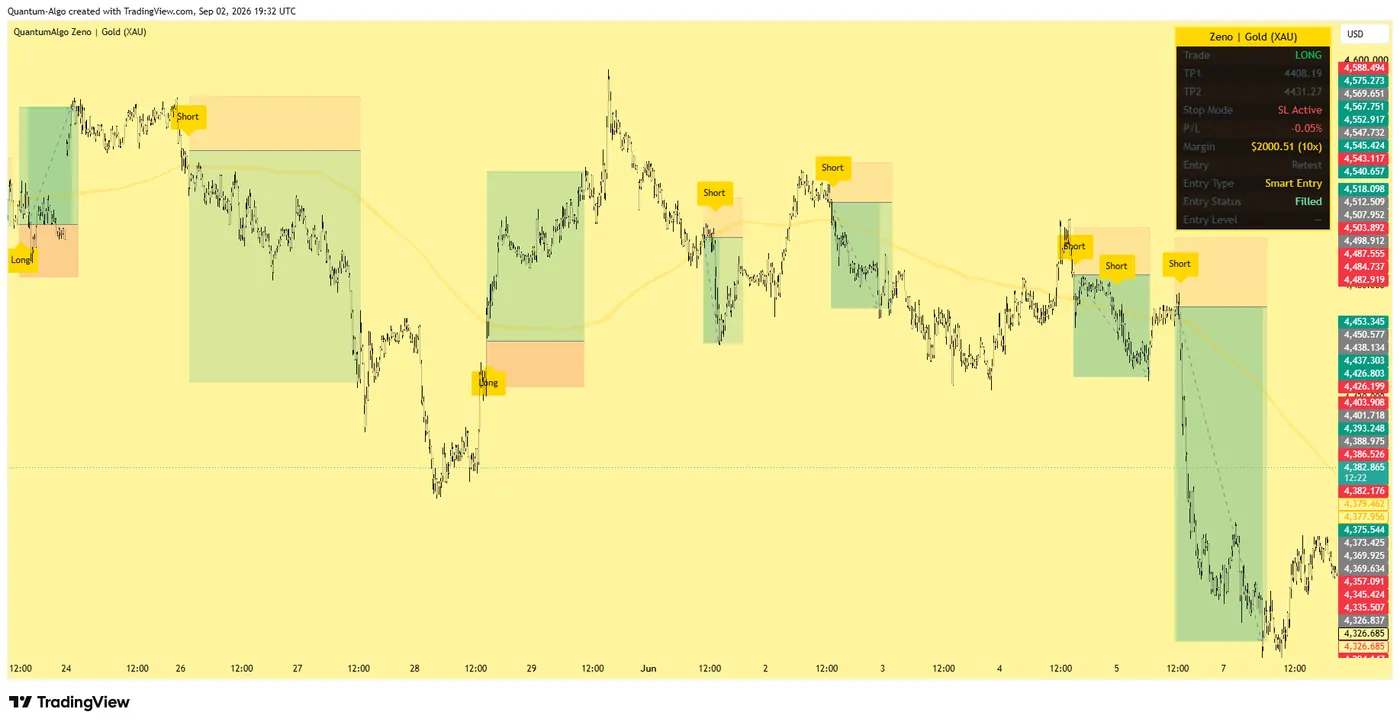
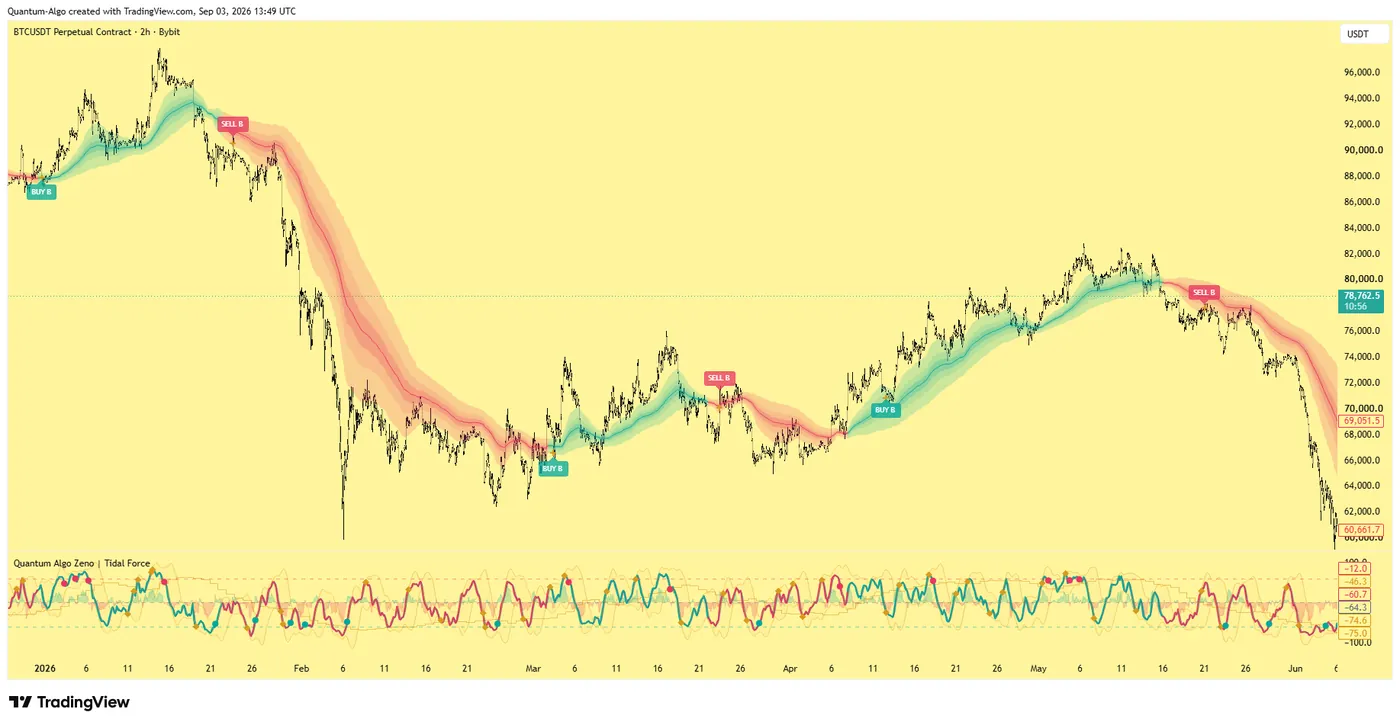
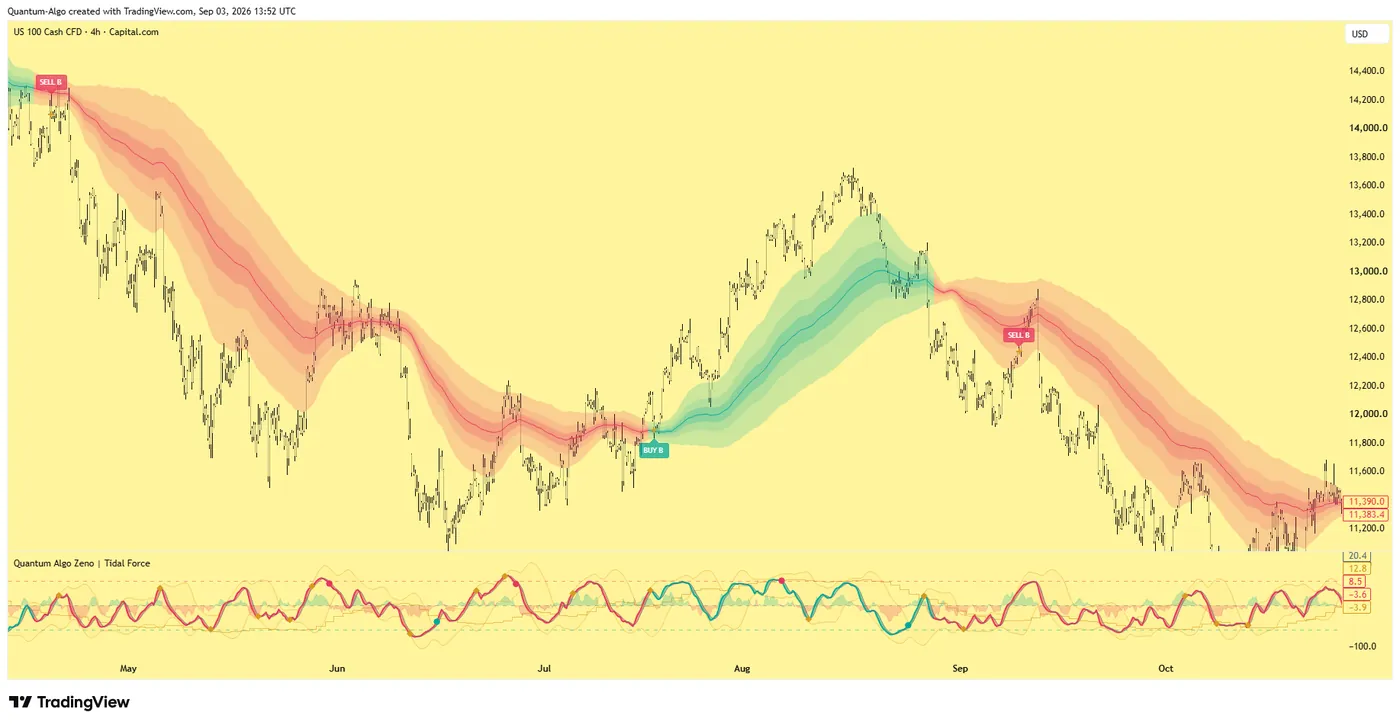
This is the page most of our customers arrive at eventually, because the whole point of an indicator that draws order blocks, fair value gaps and sweeps on a TradingView chart is to trade from that chart. On a native-connection firm — Topstep, MFFU, Tradeify, Lucid, TradeDay — Zeno's signals and the order ticket share the screen, and the free session indicator keeps you inside the London and New York windows where the evaluation is passed. On any firm that allows automation, QuantumBot takes the bridge route from a Zeno alert; size it under the contract limit and keep it off news windows. The evaluation strategy lesson is the plan either way.
Count only the firms where the order leaves your TradingView chart: the Tradovate futures firms and Topstep, and the TradeLocker / DXtrade / Match-Trader forex firms. Then choose by the drawdown rule, not the platform — Tradovate is identical everywhere and the rules are not. If a bot is involved, read the funded-stage automation rule, the cross-account rule and the contract limit before the first webhook, and enforce the firm's limits in the bridge yourself.
◆ Interactive check
Do you know which firms really connect?
Questions traders ask about TradingView prop firms
In futures: Topstep (through TopstepX), My Funded Futures, Tradeify, Lucid Trading, TradeDay and Elite Trader Funding (all through Tradovate), Apex on its Tradovate-plan accounts, and Take Profit Trader on the CQG feed. In forex and CFDs: The5ers, FundedNext, FXIFY, Top One Trader, FTUK and Ment Funding through TradeLocker, DXtrade, Match-Trader or a direct connection. Checked September 2026; the firm's platform page is the source of truth.
Yes. Topstep built its own integration: TopstepX accounts connect to TradingView's Trading Panel, so orders are placed from the chart with the Combine's end-of-day drawdown and daily loss limit enforced on the Topstep side. It is the one large futures firm with native execution that does not go through Tradovate.
Only on accounts opened on Apex's Tradovate plans, which connect to TradingView through Tradovate. Apex's Rithmic-based accounts cannot connect, because Rithmic has no TradingView integration. Check which plan you are buying.
Not as a connection to your own TradingView account. FTMO's DXtrade and cTrader platforms display TradingView-style charts inside the platform, and orders are placed there; your own indicators, layouts and alerts stay on your TradingView account. Firms with a real connection are listed on this page.
As of September 2026: My Funded Futures, Tradeify, Lucid Trading, TradeDay, Elite Trader Funding and Apex allow automation with exclusions (no high-frequency trading, no copy trading across accounts, contract limits, news restrictions at some); The5ers, FundedNext and FXIFY allow EAs with limits on the forex side; Topstep allows assisted automation but not unattended bots; Take Profit Trader prohibits automated trading. Read the funded-stage rule, not just the evaluation rule.
For a Tradovate-based firm, open the Trading Panel at the bottom of a TradingView chart, choose Tradovate, and log in with the credentials the firm issued; the account then appears in the order ticket. Topstep works the same way with TopstepX. For forex firms on TradeLocker, DXtrade or Match-Trader, the platform provides a TradingView connection or login from its own settings.
Yes, on any firm that allows automation: a Pine strategy fires an alert with a JSON message to a webhook, and a bridge or bot (QuantumBot works this way) places the order at the broker. The bridge cannot see the firm's drawdown, contract limit or consistency rule, so those must be enforced in the strategy and the bridge's risk settings, and the firm's cross-account and news rules still apply.
Not to connect a broker — the Trading Panel works on the free plan. You need a paid plan for more than the free alert allowance, for multiple charts per layout, and for the indicator count a full Smart Money setup uses, which is why most funded TradingView traders are on Essential or Plus.
Topstep at $49 a month for a $50k Combine and My Funded Futures at $109 one-time for $25k are the cheapest native futures routes; on the forex side FundedNext ($32.99), The5ers ($35) and FXIFY ($39) for $5k accounts. The cheapest prop firms guide on this site prices the resets and activation fees that decide the true cost.
All the futures firms on this page accept US residents. On the forex side, US clients are routed away from MetaTrader — which is why TradeLocker, DXtrade and Match-Trader firms are often the only forex options open to them — and some firms exclude the US entirely; the prop firms for US traders guide has the list.
References & Related Guides
Read next
- Prop Firms That Use MT4
- Cheapest Prop Firms
- Prop Firms for US Traders
- Tradovate Review
- Rithmic vs Tradovate
- My Funded Futures Review
- Topstep Review
- Take Profit Trader Review
- What Is DXtrade?
- Best Trading Bots
- Do Trading Bots Work?
- QuantumBot — execution from TradingView alerts