Quantower Review: Features, Pricing, Free Version, Pros and Cons
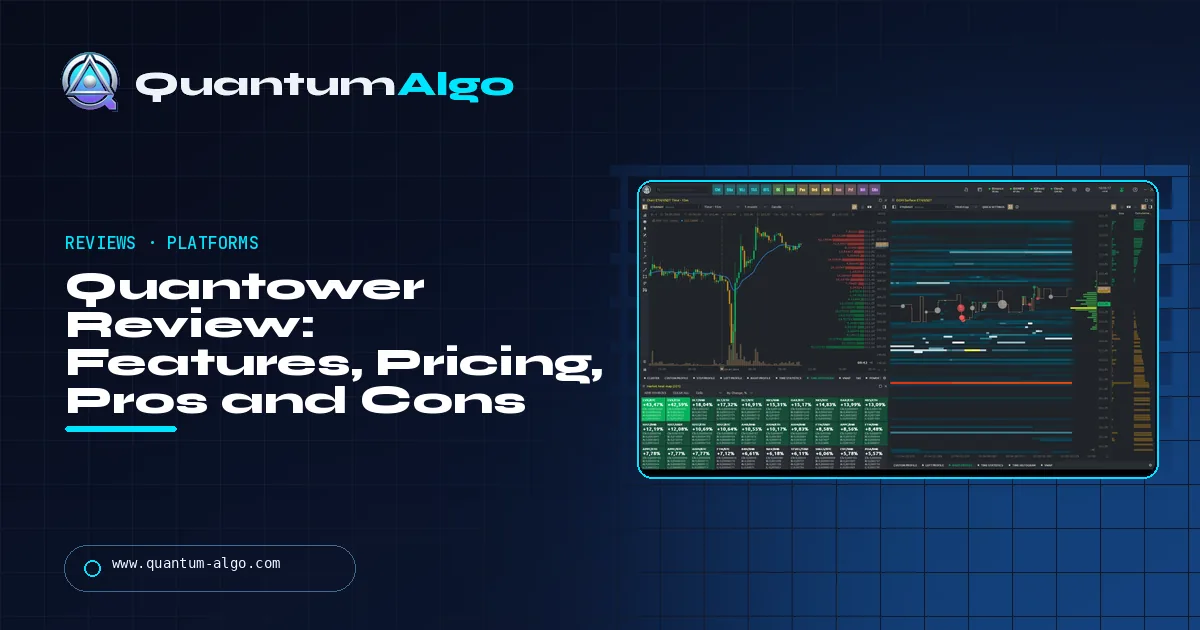
Quantower is a broker-neutral trading platform for Windows that connects to 40+ futures, crypto, forex and stock brokers and specialises in order flow: DOM, footprint charts, volume profile, TPO and an order-book heatmap. The free version is usable for execution but locks every volume tool; All-in-One costs $70 per month, and many brokers and futures prop firms include a licence for free. Downsides: Windows only and a learning curve.
Order-flow traders usually stack several paid tools: a platform, a footprint add-on, a heatmap. Quantower puts them in one broker-neutral platform with a free tier. This review covers what it does, what the free version really includes, what it costs, what it connects to, which prop firms offer it and how it compares with NinjaTrader and TradingView.
Indicators that prove themselves in public.
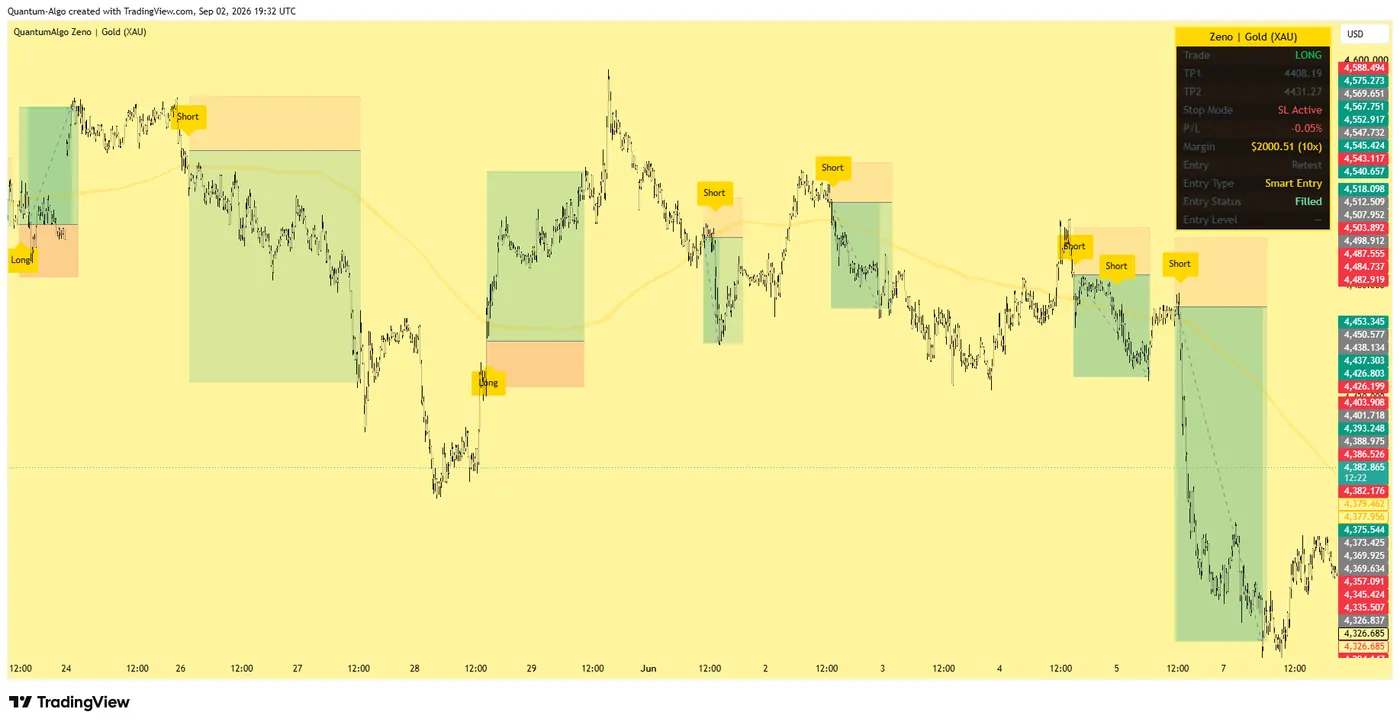
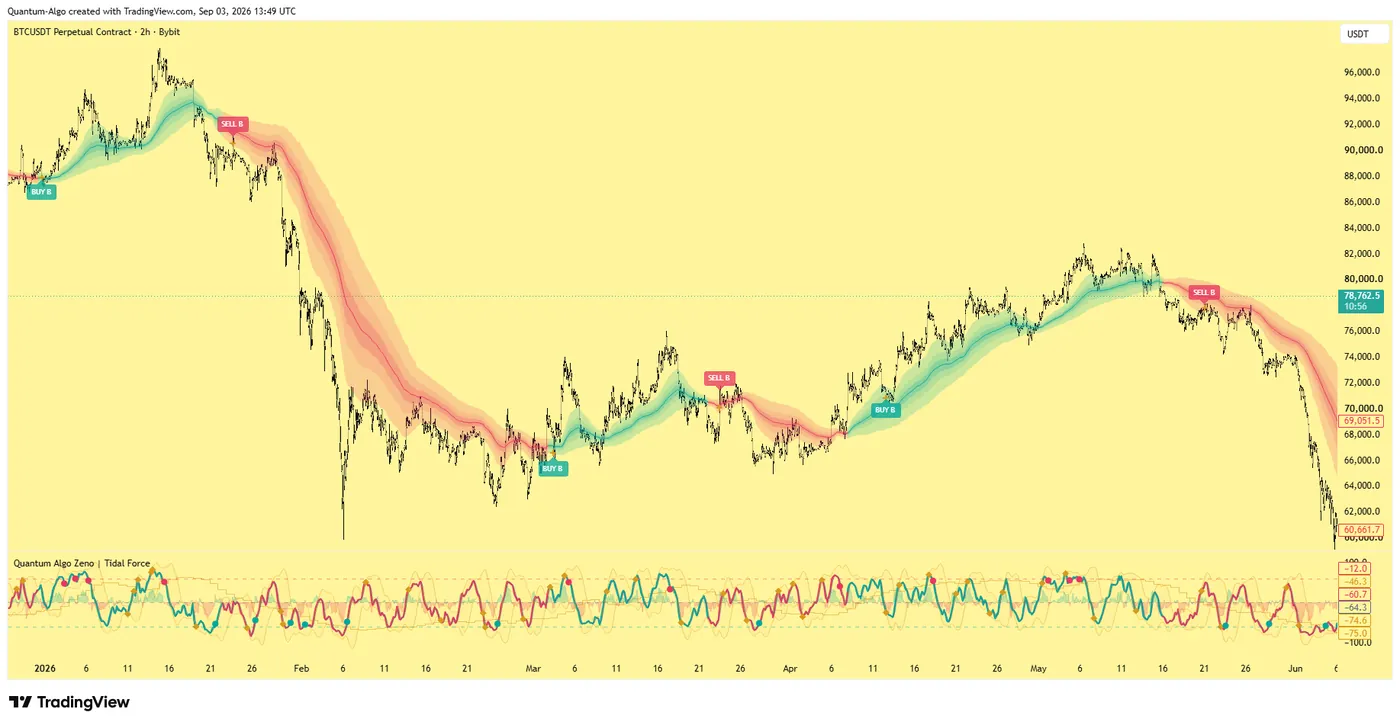
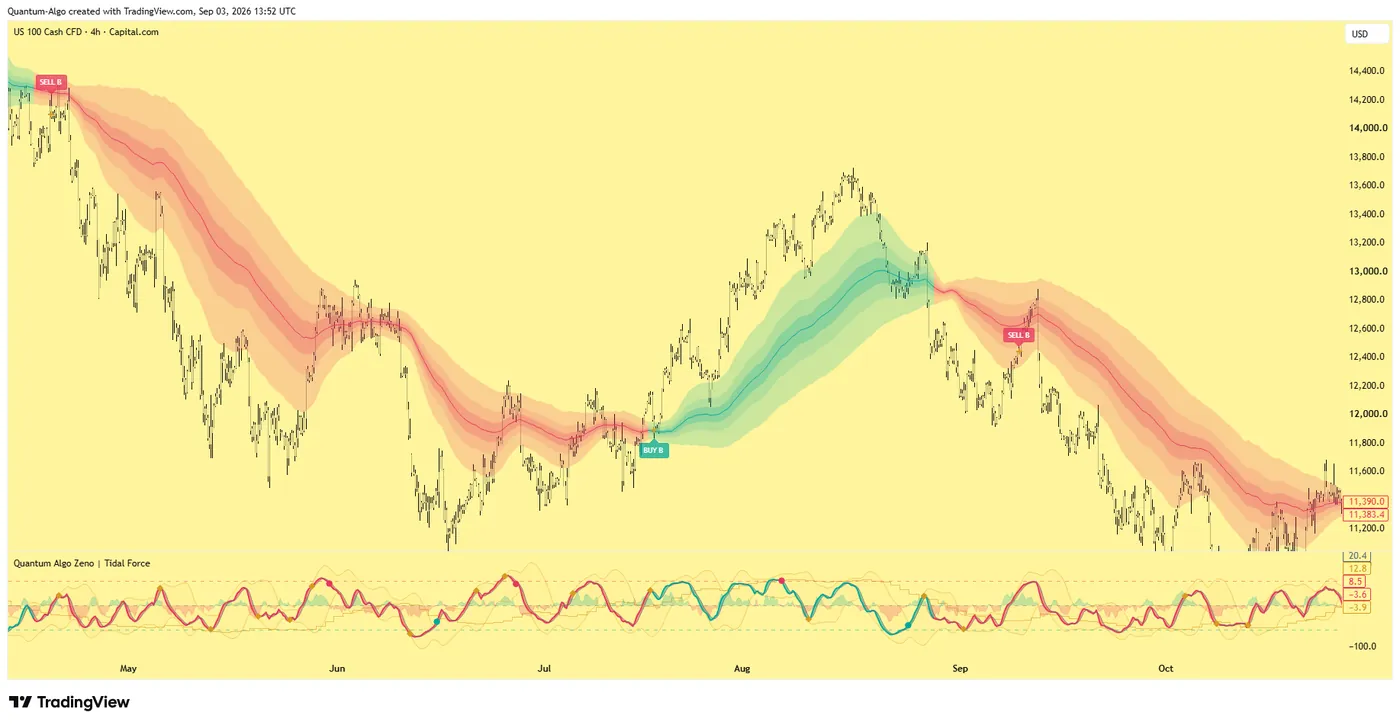
One engine, four precision tools — the Gold (XAU) Scalper, the institutional Gravity Zone, the Zeno momentum Oscillator, and Zeno Stocks for equities.
What is Quantower?
Quantower is a multi-asset trading platform for Windows built by Quantower LLC, a Ukrainian company with a UK entity, Quantower West Ltd. It is broker-neutral: instead of belonging to one broker, it connects to more than 40 brokers, exchanges and data feeds — futures through Rithmic and CQG, crypto exchanges such as Binance Futures, Bybit and OKX, forex brokers including OANDA and cTrader brokers, and Interactive Brokers for stocks and options. Its focus is order-flow trading: a DOM price ladder, footprint charts, volume profile, TPO and an order-book heatmap.
The short verdict: Quantower is one of the strongest order-flow platforms for its price, with a usable free version and a paid licence far cheaper than most order-flow stacks. Its limits are Windows only, a learning curve, and the fact that the free version locks every volume tool. Below we cover features, pricing, the free tier, connections, prop firms and how it compares.
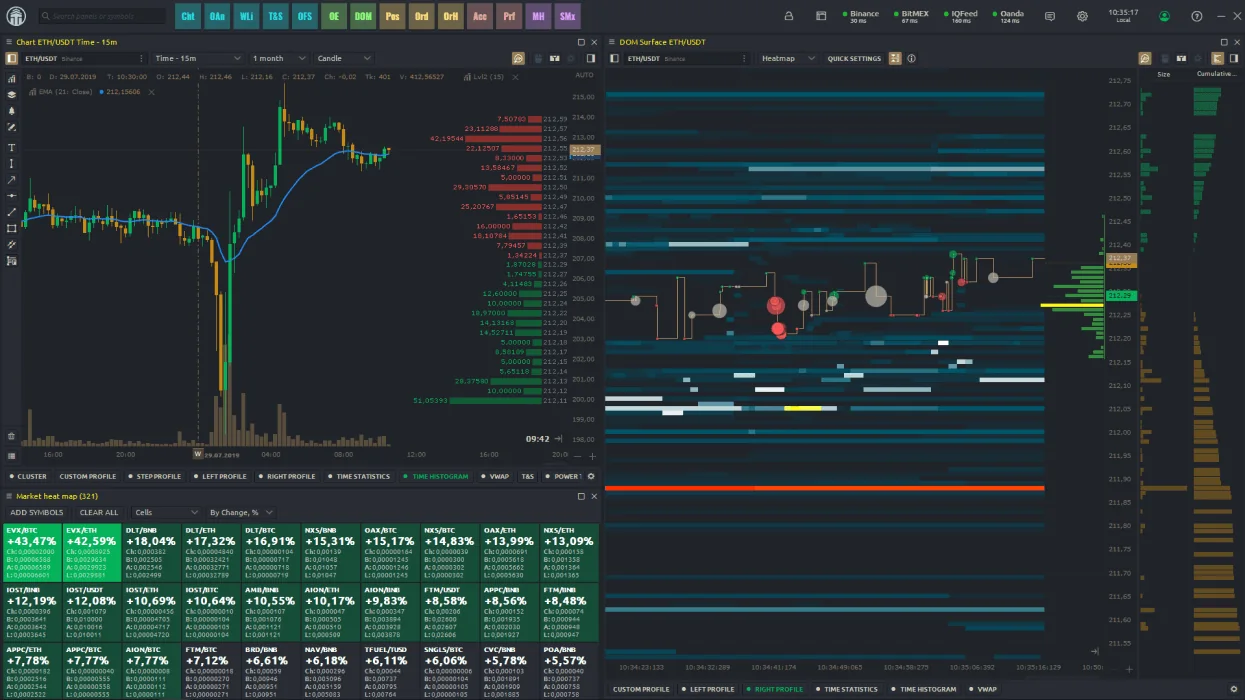
What can you do on Quantower?
| Feature | What it does |
|---|---|
| Chart | Candlestick, bar, Renko, Kagi and other chart types with indicators and drawing tools; trading from the chart |
| DOM Trader | Price ladder with bid/ask sizes and one-click orders |
| DOM Surface | Order-book heatmap showing resting liquidity over time |
| Volume Analysis | Cluster (footprint) charts, volume profiles, VWAP, delta |
| TPO Profile | Market profile (time price opportunity) charts |
| Power Trades | Highlights bursts of aggressive volume in a short time |
| Time & Sales | Every trade printed with size and side |
| Market Replay | Replays recorded sessions for practice (paid) |
| Strategy Runner and API | C# API with a Visual Studio extension; run, backtest and optimize strategies |
| Options tools | Option chain and analyzer through the options add-on |
Panels can be linked by symbol, detached to other monitors and saved as workspaces, which is how most futures traders run it: chart, DOM and Time & Sales for one market on a screen. If footprints and the DOM are new to you, start with order flow trading and the footprint chart guide.
How good is Quantower for order flow?
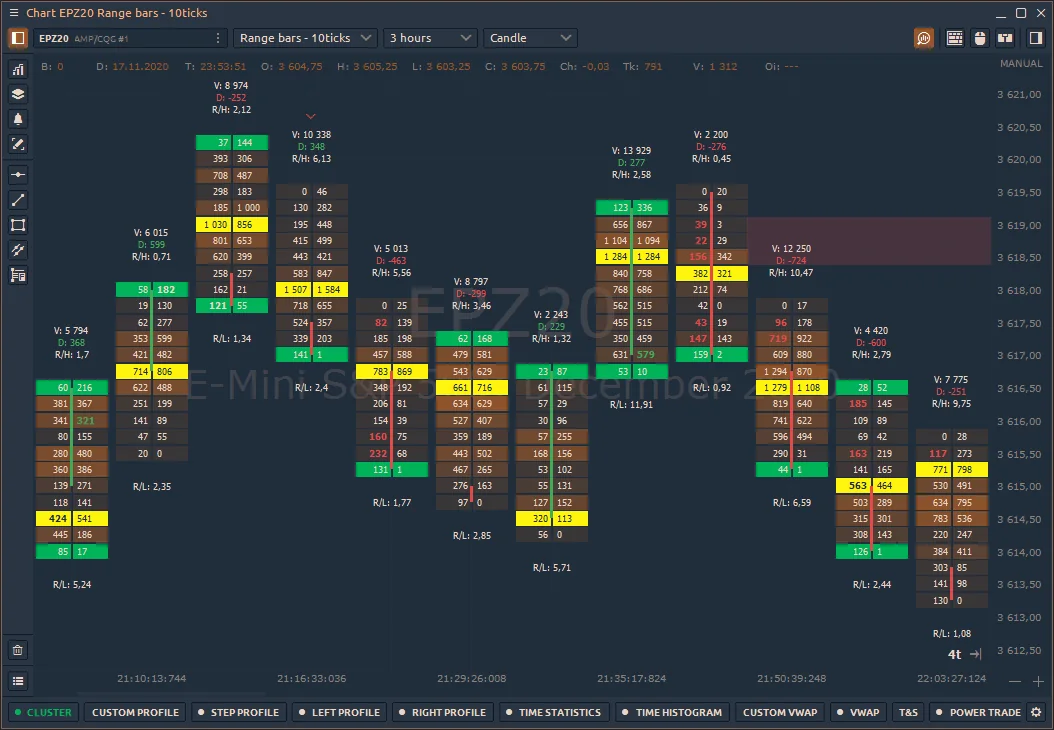
This is where Quantower earns its reputation. Cluster charts show bid and ask volume at every price inside each bar, with delta and imbalance views; volume profiles can be drawn per session, per bar or over a custom range; VWAP and TPO profiles sit on the same chart; and DOM Surface shows how resting liquidity builds and disappears around price. Together they cover most of what traders buy separate tools for — Bookmap for the heatmap, a footprint add-on for the clusters.
Two limits matter. The heatmap and footprint are only as good as the data feed: futures through Rithmic or CQG give full depth and tick data, while some crypto and forex connections give less. And on a complex workspace the platform needs a capable PC; it is Windows only, and on a Mac it runs only inside a virtual machine, which Quantower does not guarantee to be stable.
What does Quantower cost?
| Licence | What you get | Price |
|---|---|---|
| Free | One connection at a time, DOM Trader, chart trading, Time & Sales, API and Strategy Runner; 2 indicators per chart; no volume analysis tools | $0 |
| Crypto | Crypto connections with most volume analysis tools | Monthly, see Quantower's pricing page |
| All-in-One | Every connection and tool, including TPO, DOM Surface and Power Trades | $70 per month (20% off 6 months, 30% off 12 months) |
| Lifetime | All-in-One paid once | Offered at checkout; reviewers report about $1,590 |
| Add-ons | Volume Analysis, DOM Surface, TPO, Power Trades, Advanced Features, Option Trading | Separately |
There is a 7-day All-in-One trial and a 10-day money-back guarantee on subscriptions (not on lifetime licences). Many futures traders pay nothing: brokers such as AMP (CQG) and Optimus Futures and several prop firms provide Quantower licences to their clients. Check prices on Quantower's pricing page before buying — they change, and add-on prices are shown at checkout.

Automate your trades. Let Quantum Algo trade for you.
Every signal executed on your own account — on your account, with the plan you define.
What does the free version include?
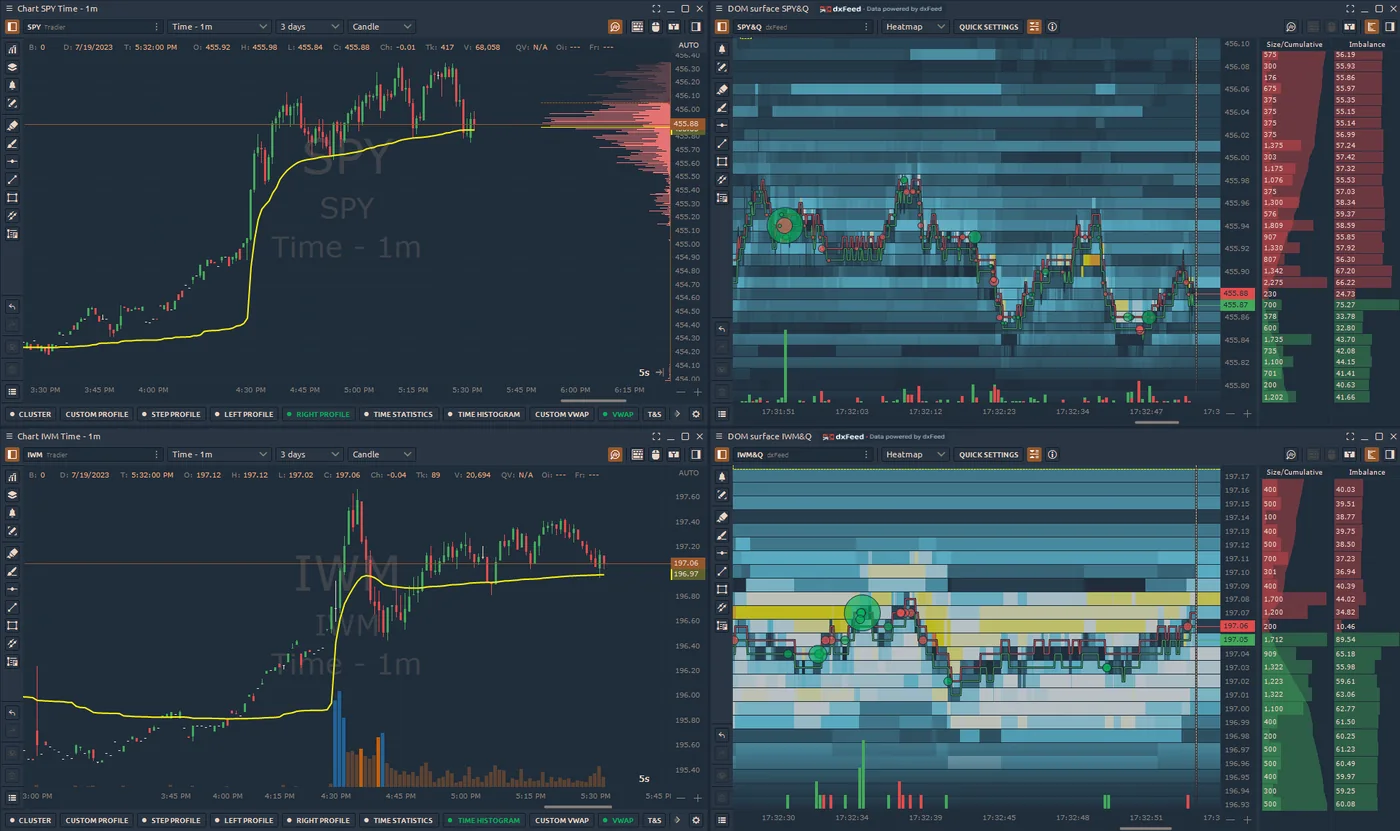
The free version is a real trading platform, not a demo: one live connection at a time, the DOM Trader, chart trading and drawing tools, Time & Sales, the API and the Strategy Runner. What it locks is exactly what most people come for — every volume analysis tool (footprint, volume profile, VWAP), DOM Surface, Market Replay, the simulator, the screener and Renko and Kagi charts — and it limits each chart to two indicators and one overlay.
So the free tier suits a trader who wants a fast DOM for execution and charts elsewhere — for example analysis on TradingView and execution in Quantower. For order-flow trading you need a paid licence, or a broker or prop firm that includes one.
What can Quantower connect to?
| Market | Examples of connections |
|---|---|
| Futures | Rithmic, CQG (e.g. AMP), Topstep, ProjectX |
| Crypto | Binance Futures, Bybit, OKX, Hyperliquid |
| Stocks and options | Interactive Brokers |
| Forex and CFDs | OANDA, FXCM, cTrader brokers (Pepperstone, IC Markets, FxPro) |
| Data | IQFeed, MetaStock |
Quantower lists 40+ connections in total; the list changes, so check its connections page for your broker. Only one connection runs at a time in the free version. For futures, the feed choice matters as much as the platform — Rithmic vs Tradovate explains the difference.
Which prop firms offer Quantower?
Quantower is one of the standard platforms at futures prop firms. Comparison sites list it as free at Topstep, Tradeify, Lucid Trading, Take Profit Trader, Alpha Futures, Phidias and TradeDay, and as available at Bulenox and My Funded Futures, usually through Rithmic or the firm's own connection. Firms change their platform line-ups — one firm stopped offering Quantower on new purchases in August 2026 — so confirm on the firm's site before buying an evaluation. Our reviews of Topstep, Tradeify, Lucid Trading and Take Profit Trader list the current platforms.
What are the pros and cons of Quantower?
| Pros | Cons |
|---|---|
| Full order-flow toolkit: footprint, volume profile, TPO, DOM Surface | Windows only; Mac only through a virtual machine |
| Broker-neutral: futures, crypto, forex and stocks in one platform | Free version locks every volume analysis tool |
| Free version usable for execution | Learning curve; many panels and settings |
| $70 per month All-in-One, or free through many brokers and prop firms | Heatmap and footprint quality depend on the data feed |
| C# API, Strategy Runner, backtesting and optimization | Smaller community and script library than TradingView or NinjaTrader |
Quantower vs NinjaTrader vs TradingView
| Quantower | NinjaTrader | TradingView | |
|---|---|---|---|
| Cost | Free tier; $70/month All-in-One | Free platform; order flow+ in paid licence | Free tier; paid plans |
| Order flow | Footprint, profile, TPO, DOM Surface | Order Flow+ (paid) | Volume footprint on paid plans; no DOM heatmap |
| Brokers | 40+ connections, multi-asset | NinjaTrader brokerage plus some connections | Many integrated brokers |
| Scripting | C# | NinjaScript (C#) | Pine Script |
| OS | Windows | Windows (desktop); web/mobile | Browser, desktop, mobile |
| Best for | Order-flow traders across markets on a budget | Futures traders in the NinjaTrader ecosystem | Charting, alerts and indicators across markets |
The NinjaTrader review and the best futures trading platform guide cover the wider field.
Reference data
| Item | Value |
|---|---|
| Developer | Quantower LLC (Ukraine); Quantower West Ltd (UK) |
| Operating system | Windows |
| Connections | 40+ brokers, exchanges and data feeds |
| Free version | 1 connection, 2 indicators per chart, no volume analysis |
| All-in-One | $70 per month; 20% off 6 months, 30% off 12 months |
| Trial | 7 days All-in-One |
| Refund | 10-day money-back on subscriptions |
| Scripting | C# API, Visual Studio extension, Strategy Runner |
Worked example: a futures trader's workspace
A trader on a Topstep evaluation connects Quantower through the firm's connection and builds one workspace for NQ: a 1-minute cluster chart with session volume profile and VWAP on the left, the DOM Trader in the middle and Time & Sales on the right. Before the open she marks the prior day's value area high and low from the profile and her higher-timeframe levels from TradingView.
When price drops into the prior value area low, the footprint shows heavy selling absorbed at one price and delta turning positive, and DOM Surface shows bids holding. She buys from the DOM with a bracket order: stop below the absorption level, target at the session VWAP. The platform did not find the trade — the plan did — but it showed what the order flow was doing at the level she had chosen.
Is Quantower worth it, and how does it fit with TradingView indicators?
For traders who want footprints, volume profile and a DOM heatmap without paying for several separate tools, Quantower is worth it — especially when a broker or prop firm includes the licence. It is less suitable for Mac users, for traders who only need charts and alerts, and for anyone who will not use order flow.
Many traders split the work: analysis and alerts on TradingView, execution and order flow in Quantower. Quantum Algo's indicators run on TradingView; the free Quantum Algo indicators mark liquidity, structure and key levels, and Zeno, the premium engine, prints its own buy and sell signals with an entry, a stop and two targets on futures and other markets, with every call on the public track record.
Quantower is a broker-neutral order-flow platform that gives footprint charts, volume profile, TPO and a DOM heatmap for far less than a stack of separate tools — or for free through many brokers and prop firms. The free version is fine for execution but locks the volume tools, and the platform is Windows only.
◆ Interactive check
How well do you know Quantower?
Questions traders ask about Quantower
There is a free version with one connection, the DOM Trader, chart trading and Time & Sales, but it locks every volume analysis tool. All-in-One costs $70 per month, and many brokers and prop firms provide a licence for free.
Yes. With a paid licence it offers cluster (footprint) charts, volume profiles, VWAP, TPO, Power Trades and DOM Surface, an order-book heatmap — most of what order-flow traders otherwise buy separately.
Not natively. It is a Windows platform; on a Mac it runs only in a virtual machine, which Quantower does not guarantee to be stable.
More than 40 connections, including Rithmic and CQG for futures, Interactive Brokers, crypto exchanges such as Binance Futures, Bybit and OKX, and forex brokers such as OANDA and cTrader brokers.
Yes. Many futures prop firms offer it — comparison sites list it free at firms such as Topstep, Tradeify, Lucid Trading and Take Profit Trader. Confirm on the firm's site, as line-ups change.
Quantower is broker-neutral and multi-asset with strong order-flow tools at a low price; NinjaTrader is a futures ecosystem with its own brokerage and a large add-on community. Order-flow traders across markets often prefer Quantower.
Yes, offered at checkout. Reviewers report about $1,590 for lifetime All-in-One; subscriptions have a 10-day money-back guarantee, lifetime licences do not.
Yes. Strategies written with the C# API can be backtested and optimized in the Backtest and Optimize panel, and Market Replay (paid) replays recorded sessions.
No. Quantower is a separate platform; traders who chart on TradingView place trades in Quantower through their broker connection.
Yes, a 7-day All-in-One trial.
References & Related Guides
Read next
- Order Flow Trading
- Footprint Chart Trading
- Bookmap Review
- NinjaTrader Review
- Rithmic vs Tradovate
- Best Futures Trading Platform
- Market Profile Trading
- Cumulative Volume Delta
- Topstep Review
- Best Trading Platforms
- Free TradingView indicators
- Zeno — the premium engine