NinjaTrader Review: The Platform, the Real Costs, Order Flow+, and How It Fits After Kraken
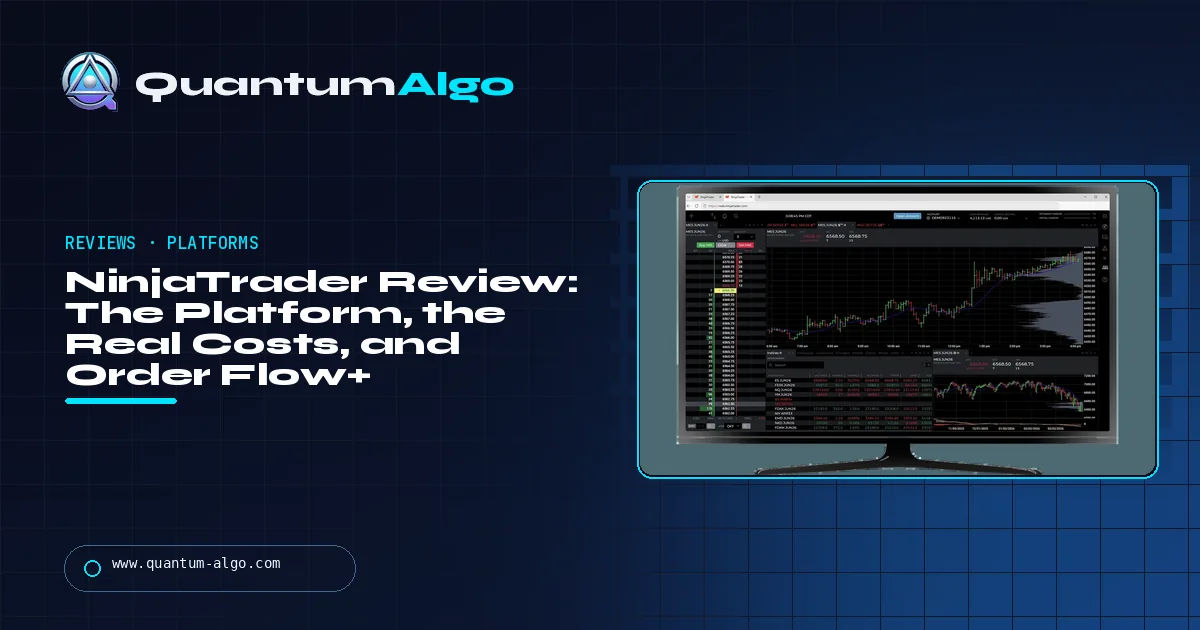
NinjaTrader is a futures broker and platform, owned by Kraken since 2025, best known for its Windows desktop: SuperDOM, Order Flow+, Market Replay and NinjaScript. Plans are free, $99 a month or $1,499 lifetime; a micro E-mini costs about $0.95, $0.85 or $0.65 a side all-in. It connects to TradingView and trades futures only. Rating 4.3/5.
NinjaTrader is the platform most futures traders meet first and the one many of them never leave, because nothing else at retail gives the same control over the order: a SuperDOM ladder, brackets that manage themselves, footprint charts and a programming framework with two decades of code. This review covers what the platform does, what it really costs once the fees behind the commission are added, what changed with Tradovate and Kraken, and where it fits next to TradingView.
Indicators that prove themselves in public.
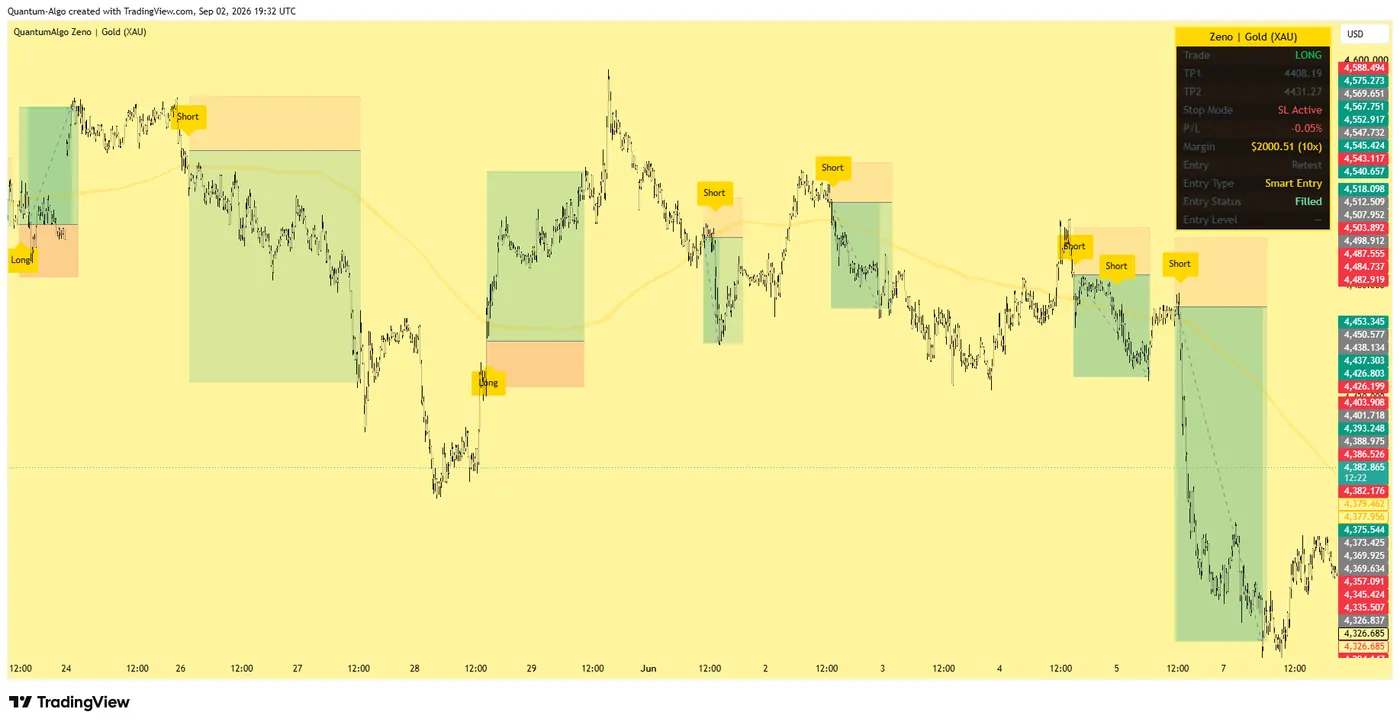
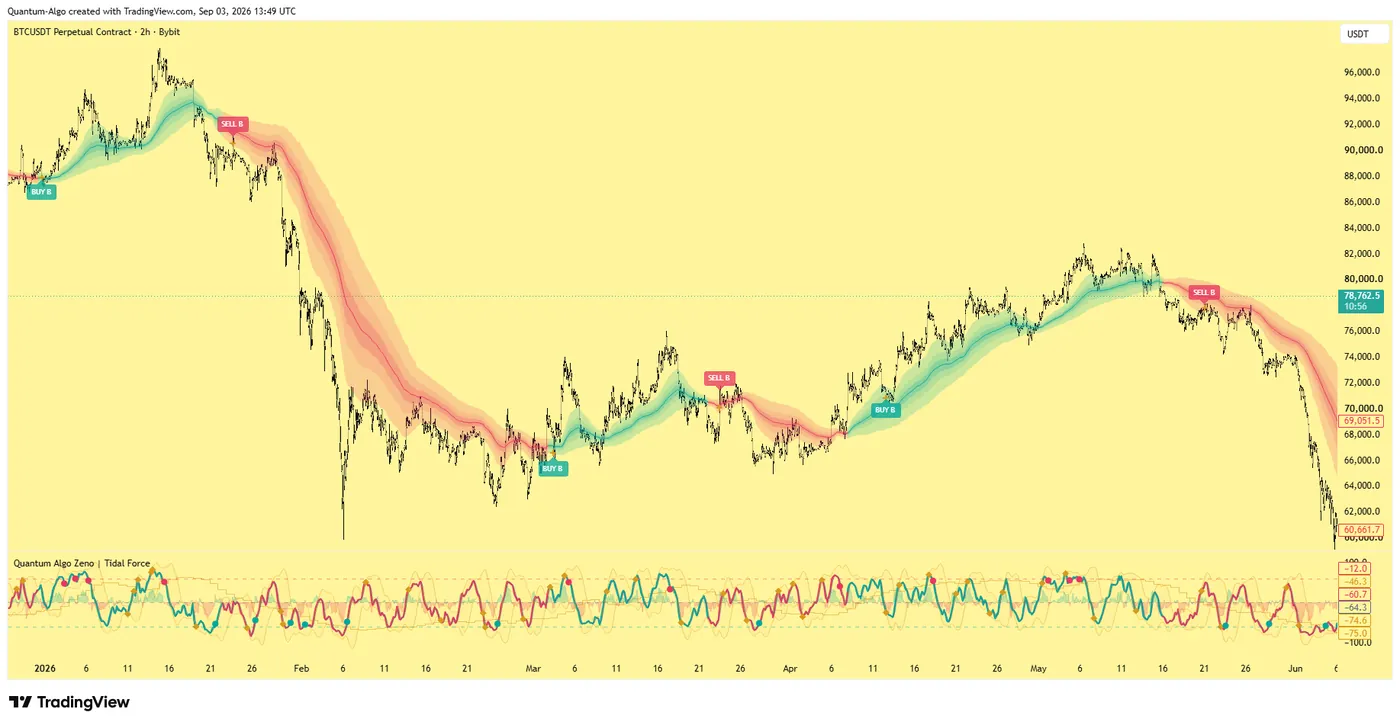
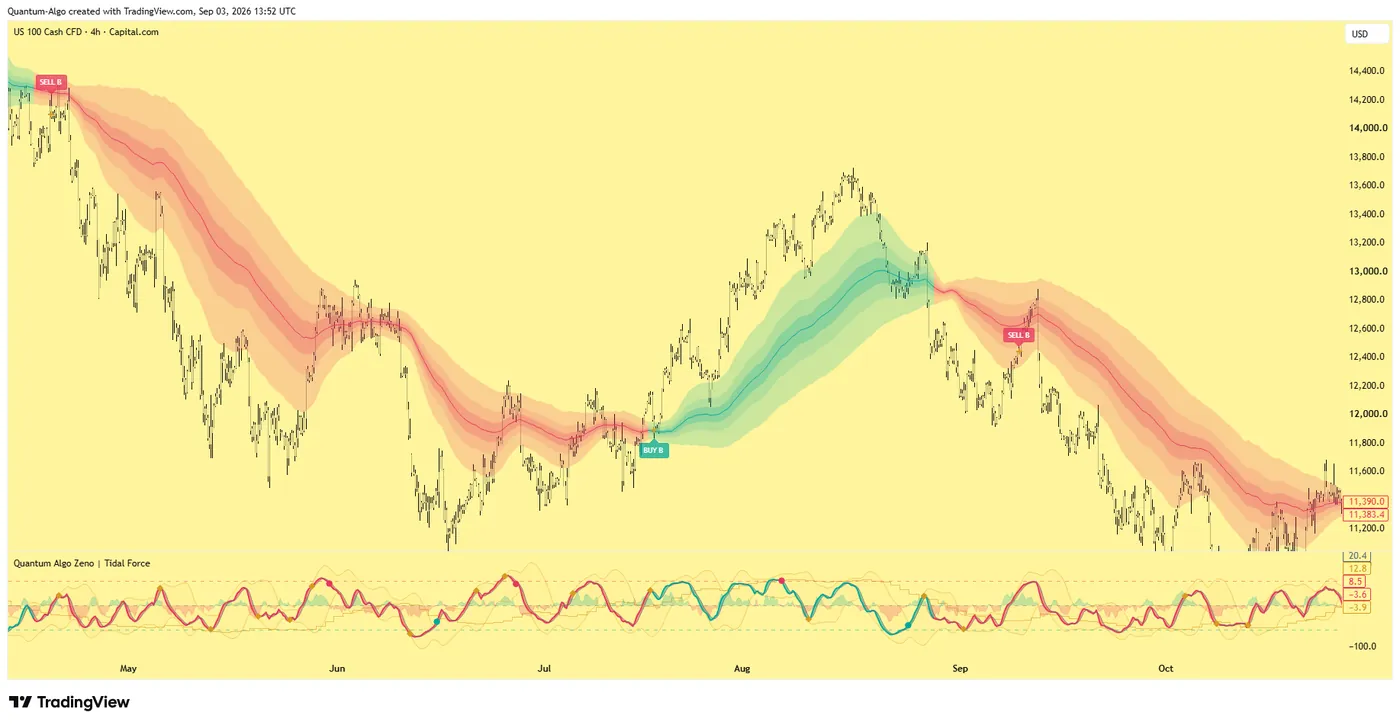
One engine, four precision tools — the Gold (XAU) Scalper, the institutional Gravity Zone, the Zeno momentum Oscillator, and Zeno Stocks for equities.
What is NinjaTrader?
NinjaTrader is a US futures broker and trading platform that has been the default desktop for retail futures traders for most of two decades. Its Windows platform — NinjaTrader 8, now sold as NinjaTrader Desktop — is known for the SuperDOM order ladder, Order Flow+ volume tools, Market Replay and NinjaScript, a C# framework for indicators and automated strategies. It bought Tradovate in 2022 and was itself acquired by the crypto exchange Kraken for $1.5 billion in May 2025, which is why the two brands now share pricing, one login and a widening set of web and mobile platforms.
This review is for the trader choosing between NinjaTrader, Tradovate, TradingView-plus-a-broker and the Rithmic platforms, and for the prop-firm trader who has been told to "use NinjaTrader". It covers the platforms, the pricing and the costs behind the commission, Order Flow+ and NinjaScript, the TradingView connection, where NinjaTrader is weak, and a calculator for the all-in monthly cost. Prices were checked in September 2026.
Is NinjaTrader a good futures trading platform?
Rating: 4.3 / 5. The most capable retail futures platform for traders who want order-level control — a superb DOM, real order-flow tools, tick replay, and a programming framework with twenty years of community code — now with web, mobile and TradingView access on the same account. Loses points for a Windows-only desktop, for a learning curve that is real, for data and exchange fees that sit on top of the advertised commission, and for a product line in transition after two acquisitions.
Best for: futures day traders who trade off the DOM or order flow, traders who write or buy NinjaScript strategies, and prop-firm traders whose firm supports it. Not for: Mac users who need the desktop, stock and options traders (futures only), and traders who only want to click from a TradingView chart — Tradovate does that with less weight.
Which platforms does NinjaTrader offer?
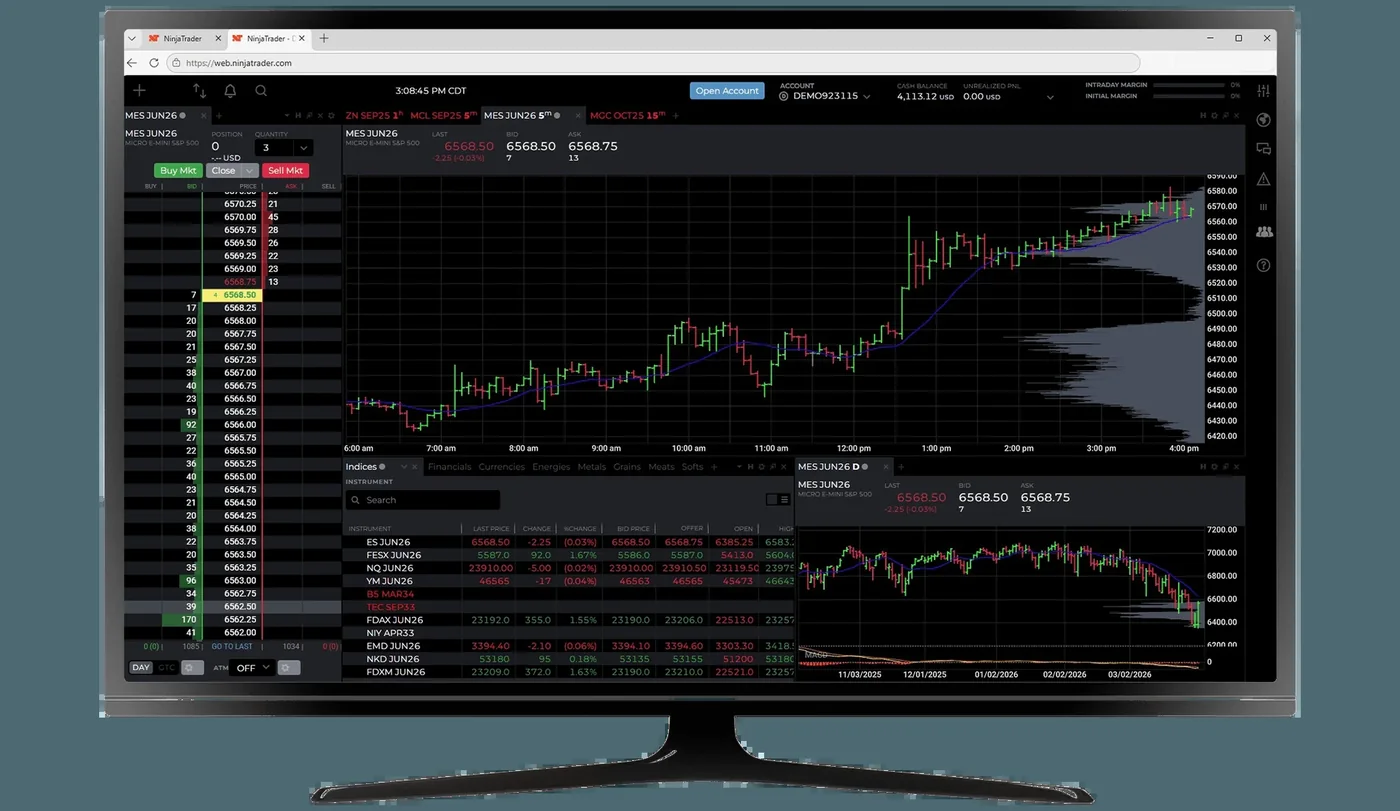
- NinjaTrader Desktop (NT8). Windows only. SuperDOM with one-click entry, ATM strategies (pre-set stop and target brackets that manage themselves), advanced charting, Market Analyzer, Strategy Analyzer for backtests, and Market Replay of recorded tick data.
- Order Flow+. Volumetric (footprint) bars, volume profile, order-flow cumulative delta, market depth map and trade detector — the tools the footprint chart guide describes, built in. Included with the Lifetime licence; an add-on otherwise.
- NinjaScript. C#-based indicators and strategies with full access to order events; the largest ecosystem of third-party add-ons in retail futures. The Pine Script alternatives page compares it with Pine and Python.
- Web and mobile. A browser platform and iOS / Android apps on the same account — lighter, and closer to Tradovate's design.
- TradingView. NinjaTrader accounts connect to TradingView's Trading Panel, so the order ticket can sit on a TradingView chart.
- Simulation. Unlimited simulated trading and a 14-day demo with live data.
What does NinjaTrader really cost beyond the commission?
| Free | Monthly | Lifetime | |
|---|---|---|---|
| Platform fee | $0 | $99 / month | $1,499 once |
| Micro commission, per side | $0.39 | $0.29 | $0.09 |
| Standard commission, per side | $1.29 | $0.99 | $0.59 |
| All-in micro E-mini, per side | ≈ $0.95 | ≈ $0.85 | ≈ $0.65 |
| All-in E-mini S&P, per side | ≈ $2.88 | ≈ $2.58 | ≈ $2.18 |
| Level II (CME bundle) | $12 / month non-pro · $48 pro | Same | Same |
| Order Flow+ | Add-on | Add-on | Included |
The headline commission is the smallest part of the ticket on micros; exchange, clearing and NFA fees roughly double it. Margins are low — about $50 for a micro E-mini and $500 for a standard E-mini intraday, $1,000 for crude, gold and natural gas — and there is no minimum deposit. The commission tiers are identical to Tradovate's because the two now share a broker; the Tradovate review covers the lighter platform on the same rates. The calculator below adds the depth data that a DOM trader needs and shows when Lifetime pays for itself.

Automate your trades. Let Quantum Algo trade for you.
Every signal executed on your own account — on your account, with the plan you define.
What does the NinjaTrader account dashboard show?
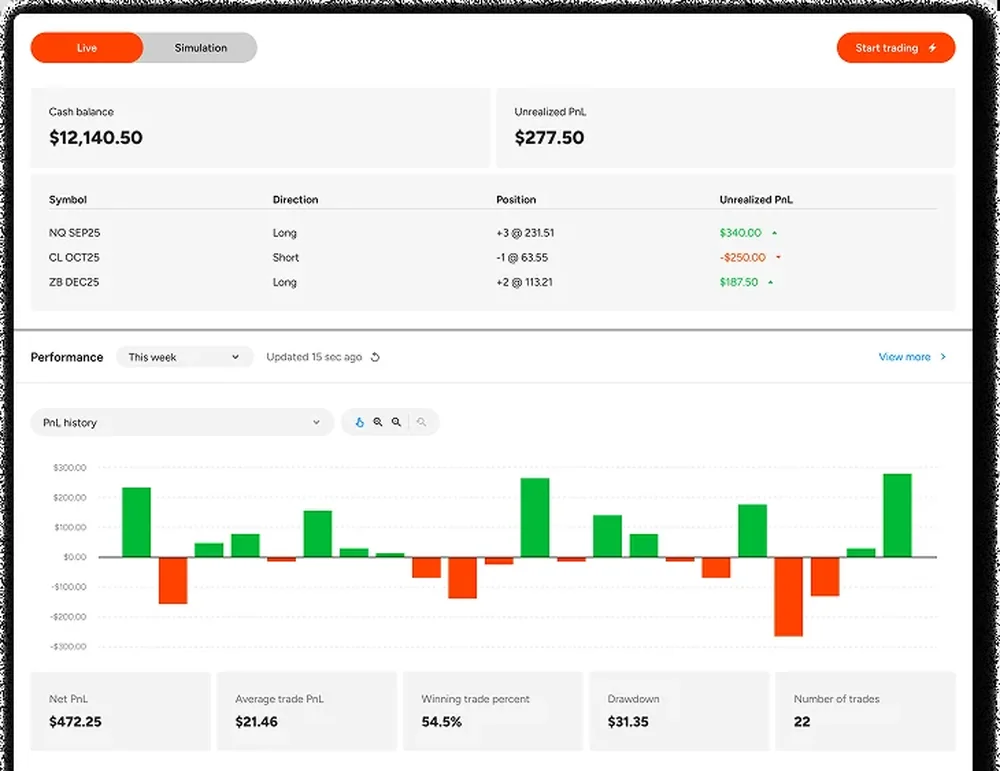
Recent versions added an account dashboard that does part of a journal's job: open positions with unrealised P&L, a daily P&L history, and statistics for net P&L, average trade, win rate, drawdown and trade count. It is useful as a weekly check. It is not a journal — no tagging by setup, no notes, no exit analysis — and traders who want those still export to Tradervue or TradeZella.
How do futures prop firms connect to NinjaTrader?
Many futures prop firms support NinjaTrader — Topstep, Apex, Elite Trader Funding, Lucid, TradeDay, Take Profit Trader among them — either on a Tradovate/CQG account through the NinjaTrader connection or on a Rithmic account through NinjaTrader's Rithmic adapter. On a prop account you trade the platform, not the broker: the commission is the firm's, and the Lifetime licence matters only for Order Flow+ and the desktop add-ons. The Rithmic vs Tradovate answer explains which feed you get and why it matters on fast days; the TradingView prop firms guide covers the firms where TradingView is the better front end.
What are NinjaTrader's weaknesses?
- Windows only. The desktop does not run on a Mac without virtualisation; the web platform is the Mac route, with fewer tools.
- Learning curve. Workspaces, ATM strategies, data series and connections take time. The web platform is easier and less capable.
- Fees. Commission, exchange, clearing, NFA, Level II data and optional add-ons — the total is fair, but no single number on the pricing page is it.
- Futures only. No stocks, equity options or spot forex; crypto through CME contracts and, increasingly, Kraken integration.
- Transition. Two acquisitions in three years: the product line is converging and names change. Check current notices before building a workflow on any one platform.
How does NinjaTrader compare with its alternatives?
| NinjaTrader | Tradovate | TradingView + broker | Rithmic platforms (Quantower, Bookmap, Sierra) | |
|---|---|---|---|---|
| Best tool | SuperDOM, Order Flow+, NinjaScript | Browser convenience | Charting and Pine | Order flow and speed |
| Desktop OS | Windows | Windows, Mac, browser | Any (browser) | Mostly Windows |
| Automation | NinjaScript strategies, native | API | Pine alerts → webhook | Platform-specific |
| Commission tiers | $0.39 / $0.29 / $0.09 micros | Same | Broker-dependent | Broker-dependent |
| Backtesting | Strategy Analyzer, tick replay | Replay only | Pine strategy tester | Varies |
| Learning curve | Steep | Gentle | Gentle | Steep |
NinjaTrader all-in cost calculator
Choose micros or standard contracts, your monthly round turns, the depth data you need and how long to plan for. The calculator returns the all-in monthly cost on each plan and when the Lifetime licence pays for itself.
Reference data
| Item | Value |
|---|---|
| Company | NinjaTrader; owns Tradovate (2022); acquired by Kraken for $1.5bn (completed May 2025) |
| Platforms | NinjaTrader Desktop (NT8, Windows), web, iOS, Android; TradingView connection |
| Plans | Free $0; Monthly $99; Lifetime $1,499 |
| Commissions per side | Micros $0.39 / $0.29 / $0.09; standard $1.29 / $0.99 / $0.59 |
| All-in per side (incl. exchange, clearing, NFA) | MES ≈ $0.95 / $0.85 / $0.65; ES ≈ $2.88 / $2.58 / $2.18 |
| Data | Top of book included; CME Level II $12/month non-pro, $48 pro |
| Margins | Micro E-mini ~$50; E-mini ~$500; crude, gold, nat gas ~$1,000 intraday |
| Minimum deposit | None |
| Tools | SuperDOM, ATM strategies, Order Flow+, Market Replay, Strategy Analyzer, NinjaScript (C#) |
| Markets | Futures and options on futures only |
| Checked | September 2026 |
Worked example: a DOM trader's first year
An NQ micro scalper trades 300 round turns a month off the SuperDOM with the CME depth bundle at $12. Free plan: 600 sides at about $0.95 is $570 a month plus $12 — $6,984 a year. Monthly: $510 + $12 + $99 = $621 — $7,452 a year, worse. Lifetime: $390 + $12 = $402 a month, $4,824 a year plus $1,499 once, $6,323 in year one and $4,824 every year after. Lifetime pays for itself in about five months at this volume and includes Order Flow+, which he would otherwise pay for separately. The commission was never the main cost; the volume was.
What mistakes do traders make with NinjaTrader?
- Comparing the $0.09 Lifetime commission with another broker's all-in rate. Add exchange, clearing and NFA fees first.
- Trading the SuperDOM on top-of-book data. Without Level II the ladder shows one price each side.
- Buying Lifetime at low volume. Below about 100 micro round turns a month it does not pay back for years.
- Running a downloaded NinjaScript strategy live without Market Replay testing.
- Installing the desktop on a Mac through a workaround and blaming the platform for the lag.
- Assuming a prop-firm NinjaTrader account uses your plan's commissions. It uses the firm's.
NinjaTrader, Zeno and QuantumBot
Zeno runs on TradingView, and NinjaTrader accounts connect to TradingView — so the cleanest setup for our customers is Zeno's levels on the TradingView chart and the order through the NinjaTrader connection, with the desktop SuperDOM open beside it when depth matters. Order Flow+ adds the confirmation the Smart Money read asks for at a sweep: absorption on the footprint and a delta divergence. For automation, QuantumBot works from TradingView alerts; NinjaScript is the alternative if you want the strategy to live on the platform. The futures platform guide compares the whole field.
NinjaTrader is the platform to choose when the order matters as much as the chart: the SuperDOM, self-managing brackets, footprint tools and NinjaScript are unmatched at retail. Price it all-in — commission plus exchange, clearing and NFA fees plus depth data — buy Lifetime only when your volume pays it back, run the desktop on Windows, and keep TradingView as the analysis screen if that is where your indicators live.
◆ Interactive check
Do you know what NinjaTrader costs?
Questions traders ask about NinjaTrader
It is good for beginners who intend to trade futures seriously, because the simulator, Market Replay and DOM teach how orders behave; it is heavier than a beginner needs to place a few trades. Tradovate's web platform or a TradingView connection is the gentler start on the same account.
Three plans, checked September 2026: Free ($0), Monthly ($99) and Lifetime ($1,499 once). Commissions are $0.39, $0.29 or $0.09 a side on micros and $1.29, $0.99 or $0.59 on standard contracts; with exchange, clearing and NFA fees a micro E-mini is about $0.95, $0.85 or $0.65 a side. CME depth data is $12 a month non-pro. No minimum deposit.
At volume, yes: for a micro trader doing a few hundred round turns a month it pays back within months and includes Order Flow+. Below about 100 round turns a month it takes years to pay back, and the Free plan is cheaper.
The desktop platform is Windows-only. Mac users can use NinjaTrader's web platform and mobile apps on the same account, or run the desktop through virtualisation with some performance cost.
They do different jobs: TradingView is the better charting and indicator platform; NinjaTrader is the better execution and order-flow platform. They connect — a NinjaTrader account can trade from TradingView's Trading Panel — so many futures traders chart on TradingView and keep the NinjaTrader DOM open for execution.
Kraken, the crypto exchange, which completed a $1.5 billion acquisition in May 2025. NinjaTrader had itself acquired Tradovate in 2022, which is why the two share pricing and a login.
Most US futures firms, including Topstep, Apex, Elite Trader Funding, Lucid Trading, TradeDay and Take Profit Trader, through either a Tradovate/CQG or a Rithmic connection. On a prop account the firm's commission applies, not your NinjaTrader plan.
Yes. NinjaScript strategies (C#) run natively with access to order events, and the Strategy Analyzer and Market Replay test them. TradingView alerts can also drive an account through a webhook bridge or QuantumBot via the TradingView connection.
References & Related Guides
Read next
- Tradovate Review
- Best Futures Trading Platform
- Rithmic vs Tradovate
- Bookmap Review
- Footprint Chart Trading
- Order Flow Trading
- Pine Script Alternatives
- Prop Firms That Use TradingView
- Futures Trading for Beginners
- Best Indicators for Futures Trading
- Tradervue Review
- QuantumBot — execution from TradingView alerts