Tradervue Review: The Reports That Make a Journal Worth Paying For, the Plans, and Who It Suits
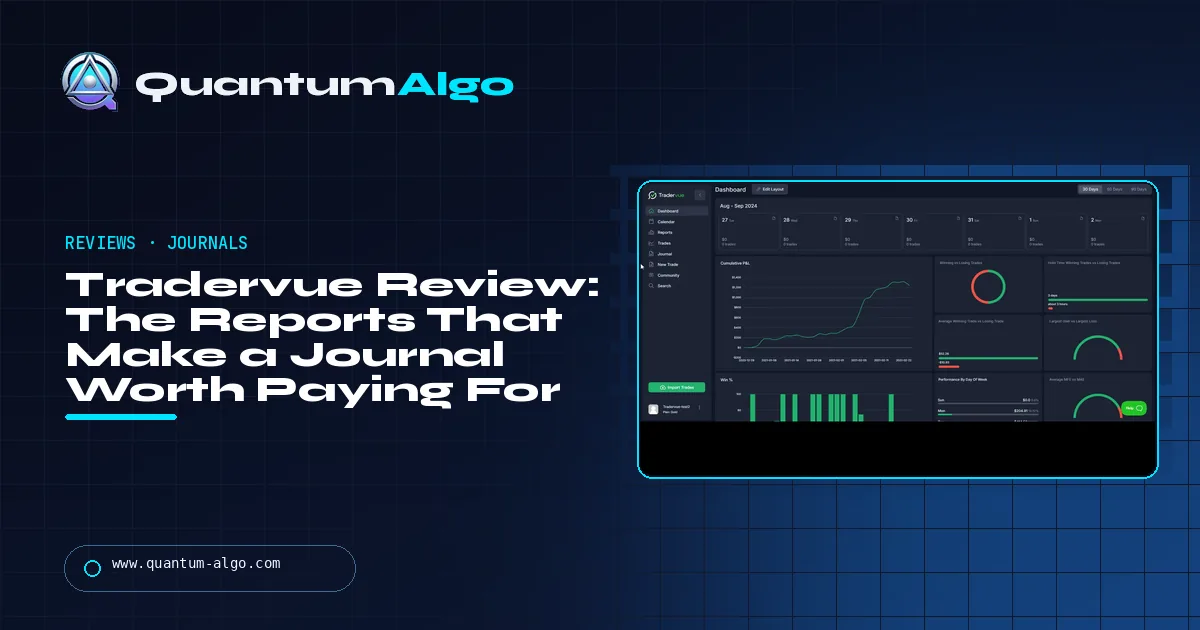
Tradervue is a web-based trading journal that imports trades from 80+ brokers and reports performance by setup, symbol, time and size. Free covers 30 trades a month, Silver ($29.95) adds unlimited trades and the full reports, and Gold ($49.95) adds exit analysis with MFE/MAE. It handles stocks, options, futures and forex; there is no mobile app. Rating 4.3/5.
A trading journal is the cheapest edge there is and the one most traders skip, because a log of trades on its own teaches very little. What makes a journal worth paying for is the reports — which setups, which hours, which exits — and Tradervue has had the deepest reports in the category for years. This review covers what it does, the three plans, the exit analysis that justifies Gold, imports for stock and futures traders, its weaknesses, and how it compares with TradeZella.
Indicators that prove themselves in public.
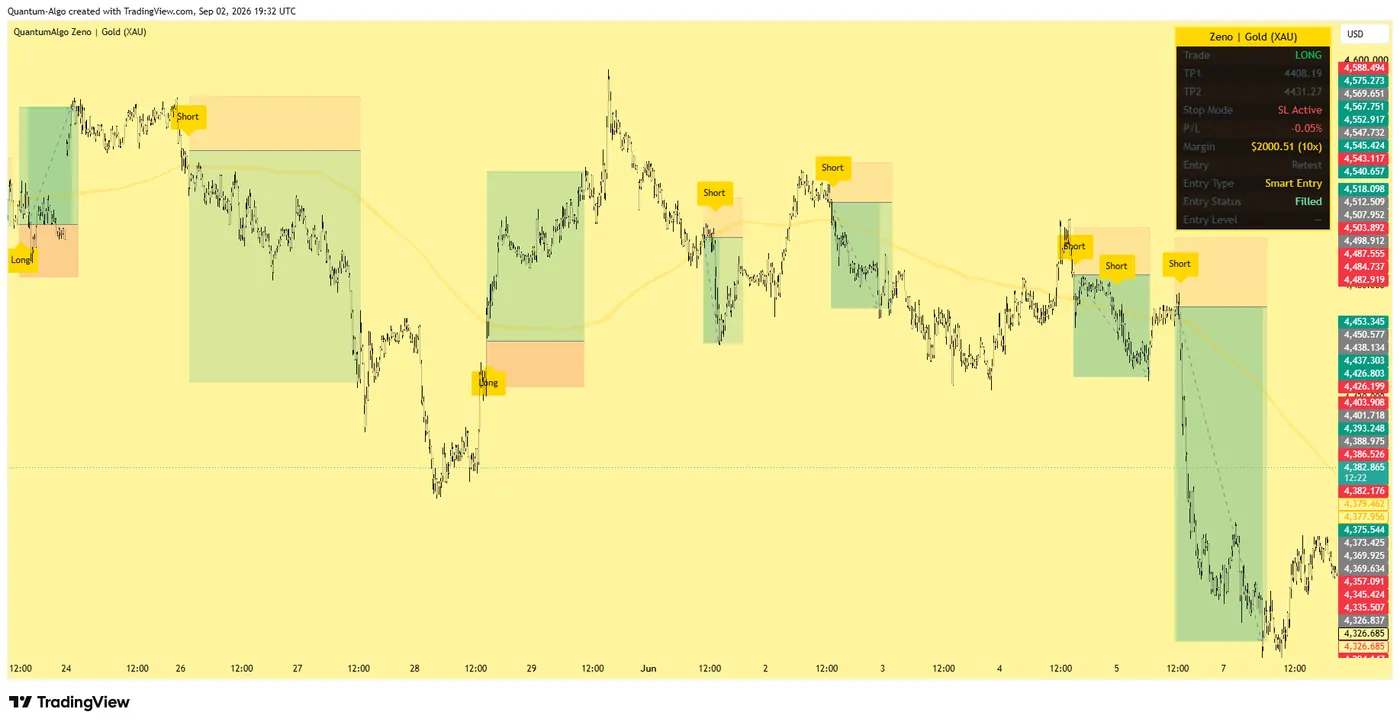
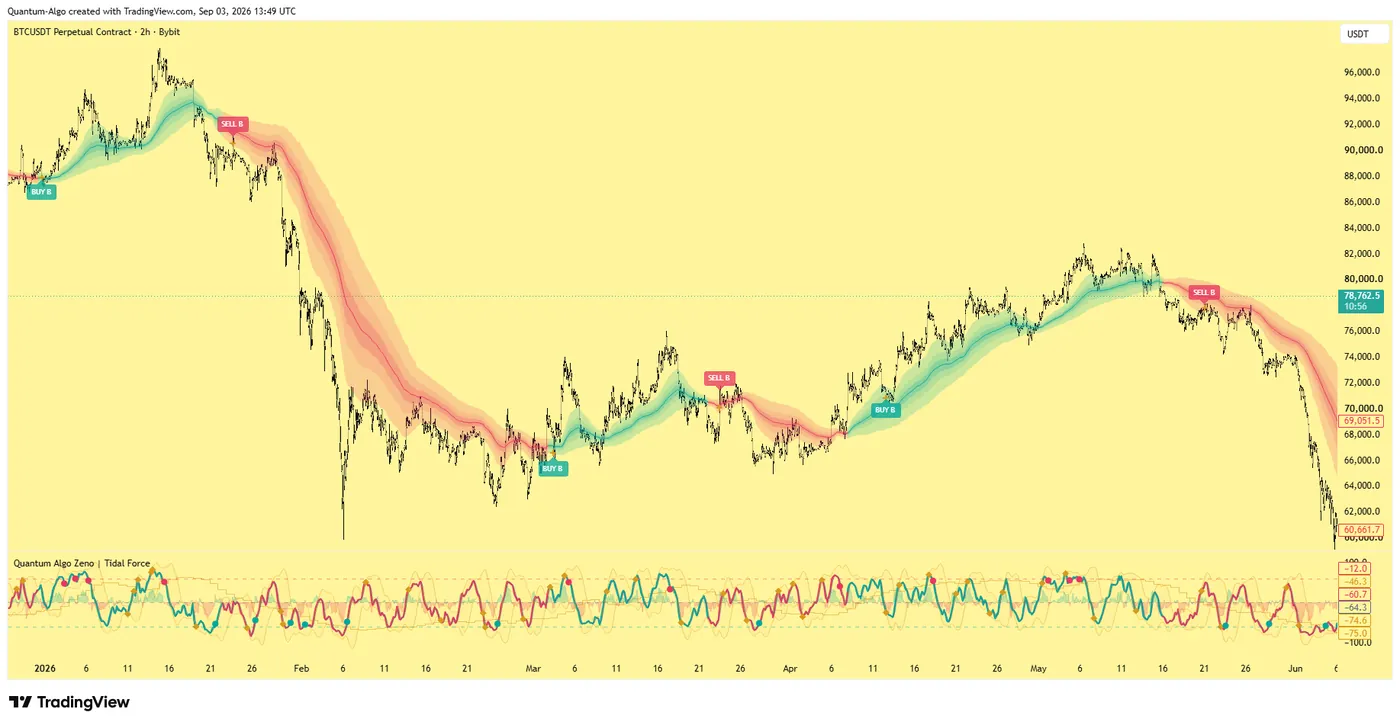
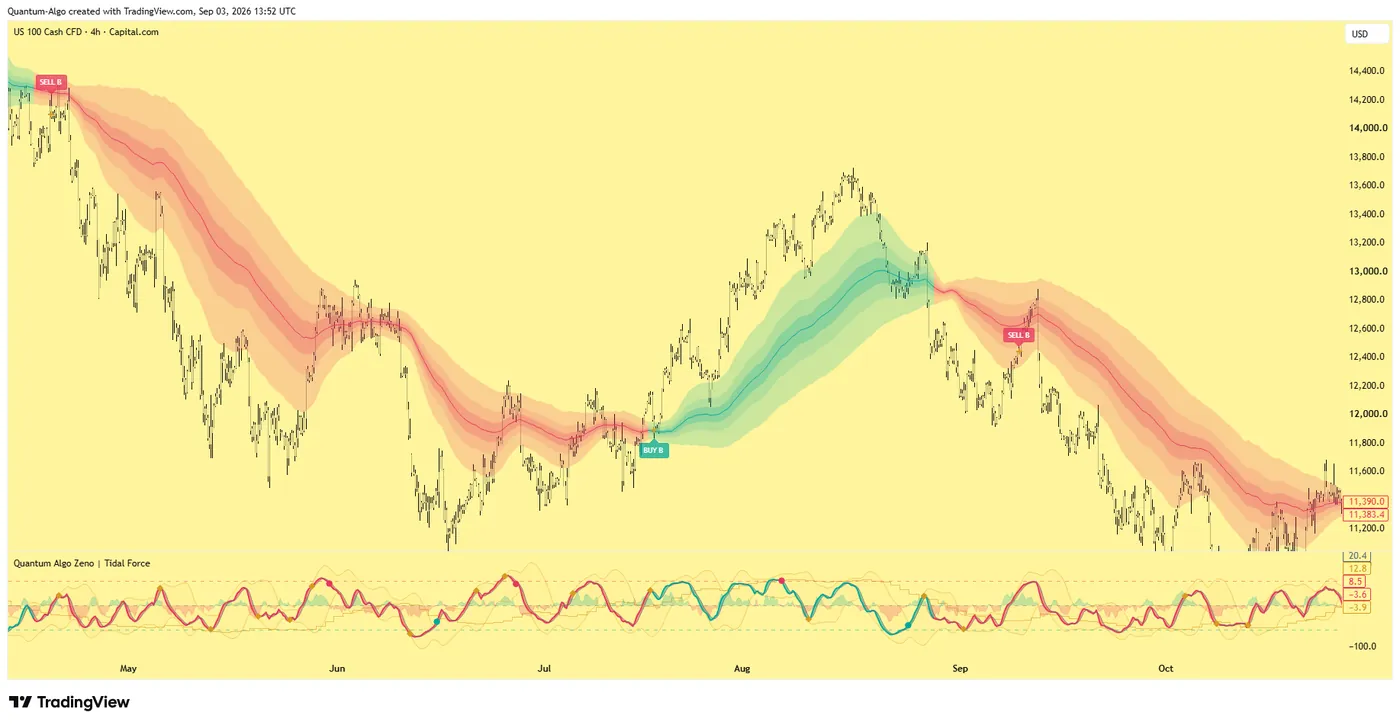
One engine, four precision tools — the Gold (XAU) Scalper, the institutional Gravity Zone, the Zeno momentum Oscillator, and Zeno Stocks for equities.
What is Tradervue?
Tradervue is a web-based trading journal: you import your executions from a broker or platform, it rebuilds them into trades, charts each one, and turns the history into reports — by setup, symbol, time of day, day of week, holding time, side and size. It is one of the oldest journals still in active development, built originally for US stock day traders, and it now handles options, futures and forex as well, with imports from more than 80 brokers and platforms. Its strength has always been reporting depth; its 2024 redesign brought the interface up to date.
This review is for the trader deciding whether to journal at all, and for the one choosing between Tradervue, TradeZella and a spreadsheet. It covers what the journal does, the three plans, the reports that justify paying, imports, where it is weak, and a picker. The trading journal guide covers why and how to journal; this page is about the tool. Prices were checked in August–September 2026.
What is the verdict on Tradervue?
Rating: 4.3 / 5. The deepest reporting of any mainstream trading journal at its price, a reliable importer, an exit-analysis module that changes how traders set targets, and a free plan that is enough to start. Loses points for being web-only (no desktop or mobile app), for a dashboard that overwhelms at first, for weak crypto support, and for lacking the playbook and replay features newer journals sell.
Best for: active stock, futures and forex traders who want to know which setups and which hours make money, and are willing to tag trades. Not for: crypto-first traders, traders who want a phone app, and traders who want a coaching-style interface rather than reports.
What does Tradervue do?
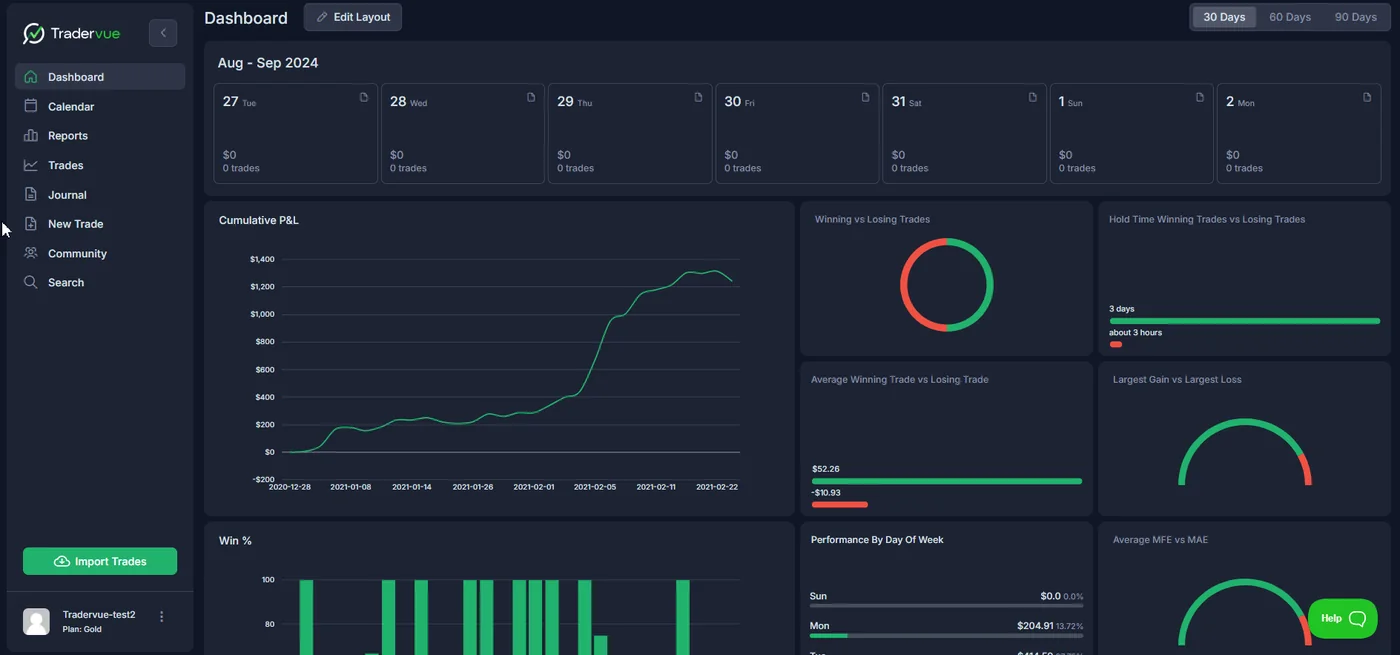
- Import. Executions from 80+ brokers and platforms — Interactive Brokers, Schwab, Fidelity, NinjaTrader, Tradovate, TradeStation, MetaTrader and others — by file or sync. Partial fills are reassembled into trades.
- Trade pages. Each trade with its executions, a chart with entries and exits marked, P&L, notes and tags.
- Dashboard and calendar. Cumulative P&L, win rate, average win and loss, and daily results.
- Reports. Performance broken down by tag, symbol, price, volume, time, day, duration, side and position size — the part that turns a log into decisions.
- Exit analysis and risk (Gold). MFE and MAE — how far trades went for and against you — and what different exit rules would have produced; risk tracking by initial stop; liquidity and commission reports.
- Sharing and community. Share a trade or give a mentor read-only access to your journal; a community board of shared trades.
What does each Tradervue plan include?
| Free | Silver | Gold | |
|---|---|---|---|
| Price | $0 | $29.95 / month · $323.46 / year | $49.95 / month · $479.52 / year |
| Trades | 30 a month | Unlimited | Unlimited |
| Journal, charts, tags | Basic | Yes | Yes |
| Dashboard and advanced reports | Limited | Yes | Yes |
| Sharing, mentorship access, community | Limited | Yes | Yes |
| Exit analysis, MFE / MAE | No | No | Yes |
| Risk tracking, liquidity, commission and fee reports | No | No | Yes |
| Advanced filters | No | No | Yes |
Silver is the plan most traders need: unlimited trades and the reports. Gold is worth its extra $20 a month for one reason — exit analysis. Seeing that your average winner ran another 1.4R after you closed it, or that your stop was hit by an average of 3 ticks on trades that then went to target, changes trading in a way no other report does. The annual plans save 10% (Silver) and 20% (Gold). The TradeZella review covers the main competitor and the AI journal guide the newer tools.

Automate your trades. Let Quantum Algo trade for you.
Every signal executed on your own account — on your account, with the plan you define.
What does a trade look like inside Tradervue?
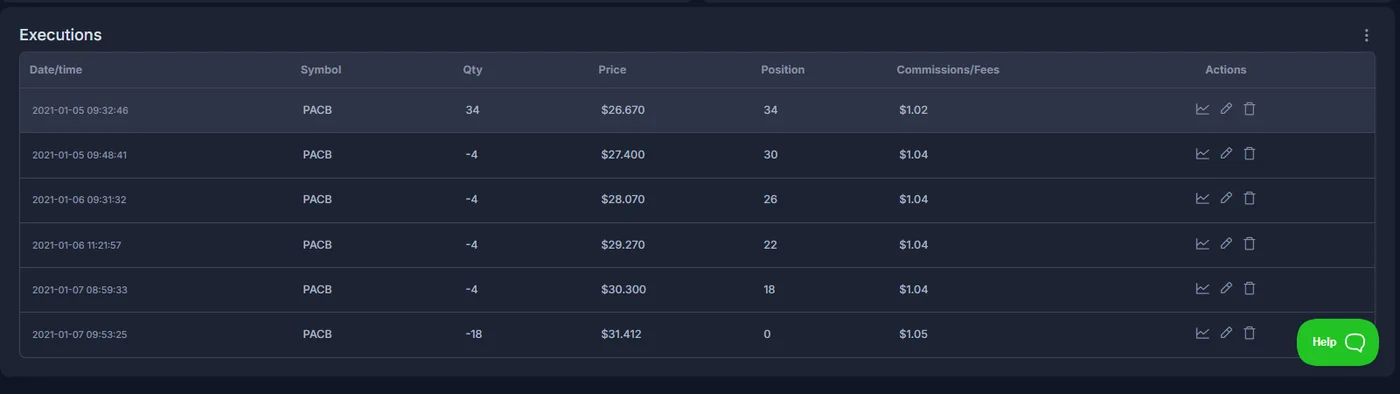
Every trade keeps its executions — the buys and sells, with times, prices and the running position — and that is what makes the analysis honest. A trade entered once and exited in three pieces is shown as three exits, and the exit report can then ask whether the first partial helped. For a Smart Money trader who takes half at the first liquidity pool and trails the rest, this answers the question the take-profit lesson poses: would you have made more by holding the whole position, or by taking it all at the first target?
How do imports work for prop-firm accounts?
For stock traders, broker sync is the easy part. Futures and prop-firm traders usually import from the platform: NinjaTrader and Tradovate exports work, and so do the platform exports of most futures prop firms, because the account is a Tradovate, CQG or Rithmic account underneath. Journaling an evaluation and the funded account in the same Tradervue account, tagged by stage, is the cleanest way to see whether you trade differently once real payouts are involved — which most traders do. The prop firm strategy guide explains what to look for.
Where is Tradervue weak?
- Web only. No desktop or mobile app; review happens at a computer.
- First impression. The dashboard and report filters overwhelm new users; the value comes after a few weeks of tagging.
- Crypto. Limited import support compared with crypto-first journals.
- No playbooks or replay. TradeZella and newer tools sell structured playbooks and candle-by-candle replay; Tradervue is reports first.
- Tagging discipline. The setup reports are only as good as your tags; untagged trades produce untidy reports.
How does Tradervue compare with other journals?
| Tradervue | TradeZella | Spreadsheet | Platform dashboards (NinjaTrader, prop firms) | |
|---|---|---|---|---|
| Price | $0 / $29.95 / $49.95 a month | About $29–$49 a month | Free | Free |
| Imports | 80+ brokers and platforms | Many brokers and platforms | Manual | Automatic, one account |
| Reports | Deepest | Good | What you build | Basic stats |
| Exit analysis (MFE / MAE) | Yes (Gold) | Partial | Manual | No |
| Playbooks / replay | No | Yes | No | No |
| Apps | Web only | Web, mobile | Any | Platform |
Journal plan picker
Enter your trades per month, what you trade, what you most need from a journal and how you would pay. The picker names the plan — or a different journal — and the cost per trade.
Reference data
| Item | Value |
|---|---|
| Product | Web-based trading journal with import, trade charts, reports and community |
| Plans | Free (30 trades/month); Silver $29.95/month or $323.46/year; Gold $49.95/month or $479.52/year |
| Assets | Stocks, options, futures, forex; limited crypto |
| Imports | 80+ brokers and platforms, including IBKR, Schwab, Fidelity, NinjaTrader, Tradovate, TradeStation, MetaTrader |
| Gold-only | Exit analysis, MFE/MAE, risk tracking, liquidity and commission reports, advanced filters |
| Apps | Web only |
| Checked | August–September 2026 |
Worked example: what three months of Silver showed
A futures trader tags every trade by setup — London sweep, New York reversal, continuation — and by session. After 180 trades the setup report shows the London sweep at +0.62R per trade, the New York reversal at +0.41R, and continuation entries at −0.18R. The time report shows that every trade opened after 11:00 UTC loses on average. Two changes follow: no continuation entries, and no new trades during London lunch. Nothing in the entry method changed; the journal removed the two losing habits. He upgrades to Gold for the exit analysis, which shows his runners give back a third of their peak before the trail is hit — the next thing to fix.
What mistakes do traders make with a journal?
- Importing without tagging. The reports group by tags; untagged trades teach nothing.
- Reading the dashboard and ignoring the reports. The P&L curve is the result; the reports are the reasons.
- Journaling only losing trades. The comparison is the point.
- Paying for Gold before 100 trades. Exit analysis needs a sample.
- Changing three things at once after a bad week. Change one rule, journal 50 trades, compare.
How do you journal a Smart Money method in Tradervue?
Tag each trade with the four things the method depends on — the session, the pool that was swept, whether displacement was present, and the entry reference (order block or fair value gap) — and Tradervue's reports will tell you which combinations pay. The chart analyzer score is a fifth tag worth adding: within 100 trades the report by score grade shows whether the C-grade setups you still take are costing you. Zeno marks the levels on confirmed candles, so the chart Tradervue stores is the chart you traded.
Tradervue earns its fee through reports, not logging: tag every trade by setup and session, read the reports monthly, and change one rule at a time. Start on Free, move to Silver once you trade more than 30 times a month, and add Gold when you have 100 trades and want to know whether your exits are leaving money behind.
◆ Interactive check
Do you know what you are paying Tradervue for?
Questions traders ask about Tradervue
For an active trader who tags trades by setup and reads the reports, yes — Silver at $29.95 a month costs less per trade than a tick of slippage and shows which setups and hours make money. For a trader who will not tag trades, a free log is enough, because the reports need the tags.
Free ($0, 30 trades a month), Silver ($29.95 a month or $323.46 a year) and Gold ($49.95 a month or $479.52 a year), checked August 2026. Silver and Gold have unlimited trades.
Silver gives unlimited trades, the dashboard and the full set of reports by tag, symbol, time, day and size, plus sharing and the community. Gold adds exit analysis with MFE and MAE, risk tracking by initial stop, liquidity and commission reports, and advanced filters.
More than 80 brokers and platforms, including Interactive Brokers, Charles Schwab, Fidelity, TradeStation, NinjaTrader, Tradovate and MetaTrader, by file import or sync.
Yes. Futures imports work from NinjaTrader, Tradovate and other platforms, and most futures prop-firm accounts can be imported from the platform export because they are Tradovate, CQG or Rithmic accounts underneath.
No. Tradervue is web-only, with no desktop or mobile app; it is used in a browser.
Tradervue for reporting depth and exit analysis at a lower price; TradeZella for playbooks, trade replay, a mobile app and a more guided interface. Many traders choose by whether they want answers from data (Tradervue) or structure for their routine (TradeZella).
Its crypto support is limited compared with crypto-first journals. It is built for stocks, options, futures and forex.
References & Related Guides
Read next
- Trading Journal Guide
- TradeZella Review
- AI Trading Journal
- Take Profit Strategies (Academy)
- Trading Journal System (Academy)
- AI Chart Analyzer
- Prop Firm Trading Strategy
- NinjaTrader Review
- Tradovate Review
- Finviz Review
- Backtesting a Trading Strategy
- Weekly Review Process (Academy)