Bitsgap Review: Grid, DCA and Combo Bots, What They Really Bet On, and Whether the Price Pays
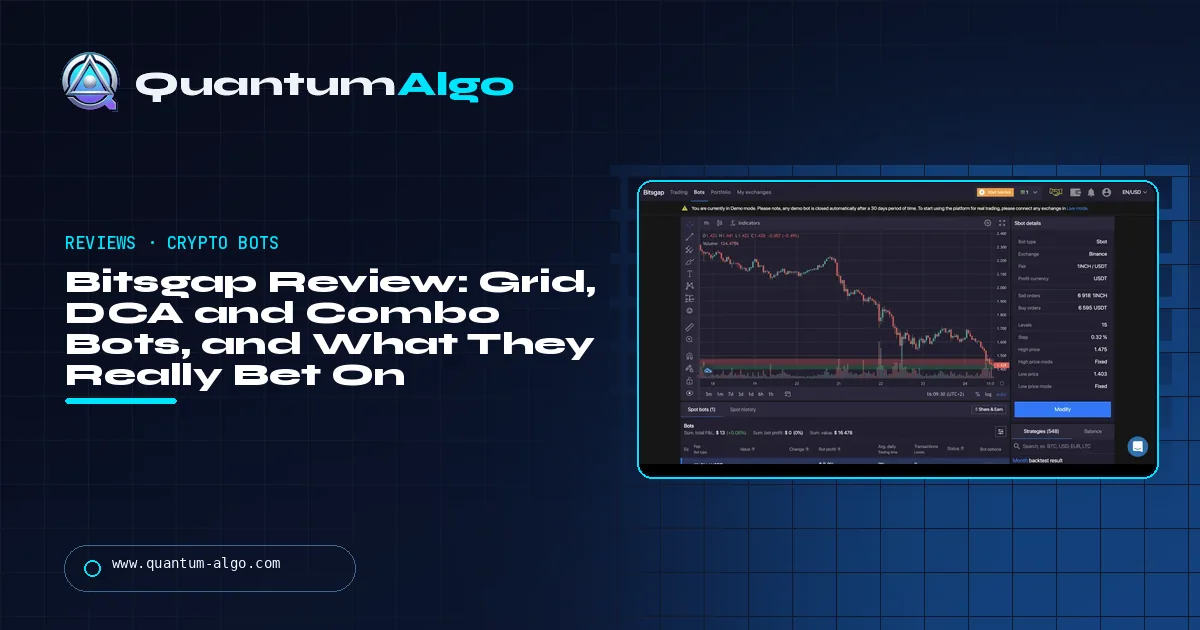
Bitsgap is a cloud crypto-bot platform running grid, DCA and futures combo bots on about 17 exchanges through API keys, without holding your funds. Plans cost $29, $69 or $149 a month, less billed annually, with a demo mode. The bots are regime bets: a grid profits inside a range and holds losing coin after a breakdown. Rating 3.9/5.
Bitsgap sells crypto bots that run while you sleep, and the platform is good at it — clean setup, many exchanges, a real demo. What it cannot do is make the market behave the way the bot assumes. This review covers each bot type and the market it is betting on, the plans and whether the fee is worth it at your account size, security and demo mode, the number the dashboard does not show, and a grid calculator that prices both the profit per fill and the inventory a grid holds when the range breaks.
Indicators that prove themselves in public.
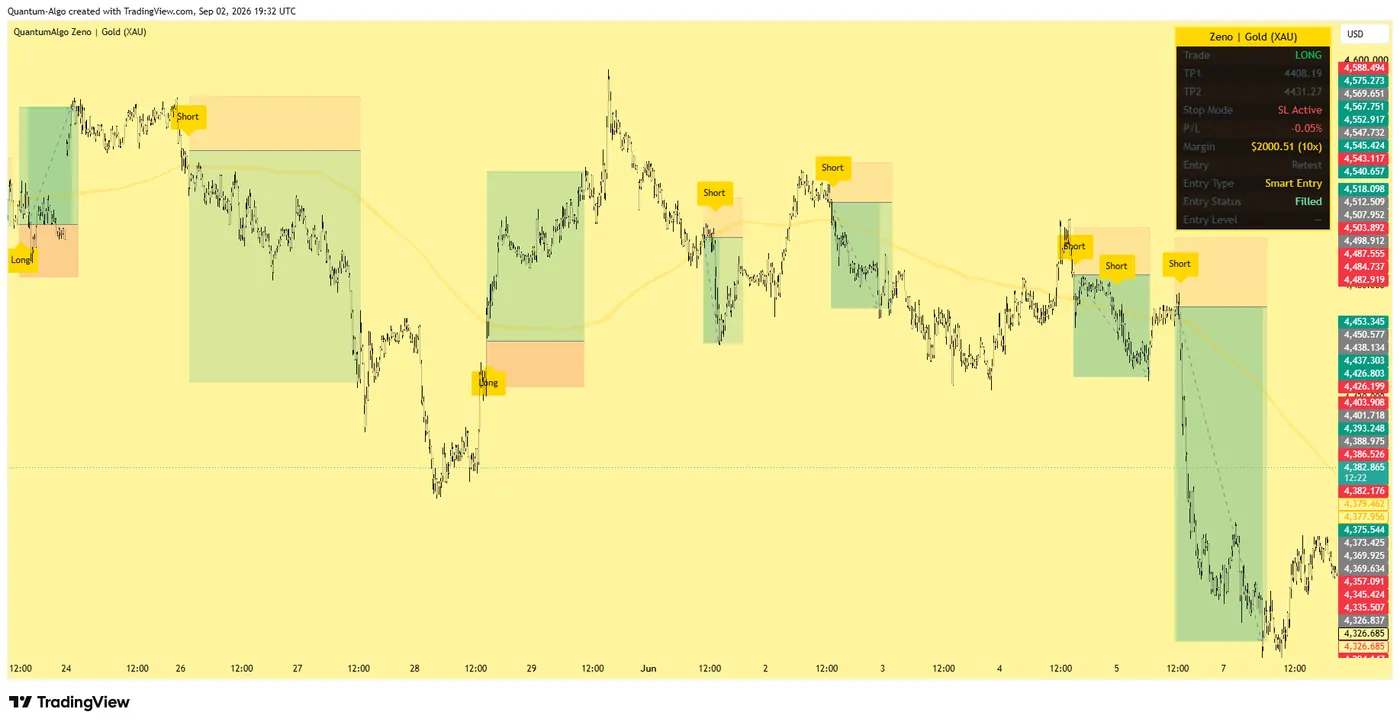
One engine, four precision tools — the Gold (XAU) Scalper, the institutional Gravity Zone, the Zeno momentum Oscillator, and Zeno Stocks for equities.
What is Bitsgap and how does it work?
Bitsgap is a cloud platform for automated crypto trading: you connect exchange accounts by API key, and Bitsgap runs bots — grid, DCA, buy-the-dip, loop and futures combos — on its servers against your exchange balances. It started as a prototype in 2016, launched in 2017, and is operated from Dubai. It supports around 17 centralised exchanges, including Binance, Bybit, OKX, Kraken, KuCoin, Coinbase Advanced and Bitget, plus a few decentralised venues, and adds a unified trading terminal and a portfolio view on top.
This review is for the trader wondering whether a crypto bot will make money, and for the one choosing between Bitsgap and the other bot platforms. It covers the bot types and what each is actually a bet on, the plans, security, demo mode, where Bitsgap is weak, and a grid calculator that shows what a grid earns per fill and what it costs when price leaves the range. The do trading bots work answer is the honest primer; this page is about the tool. Prices were checked in August–September 2026.
Is Bitsgap worth it?
Rating: 3.9 / 5. A well-built, long-running bot platform with a broad bot range, a real demo mode, a seven-day free trial, sensible API security and support for most major exchanges. Loses points for a price that is steep against small accounts, for marketing that shows bot profit without the coins the bot is holding, and for the plain fact that grid and DCA bots are regime bets — they make money in the market they were built for and lose it when the regime changes.
Best for: crypto traders who understand what a grid or DCA bot is betting on, have an account large enough that $23–$119 a month is small, and want automation on several exchanges. Not for: anyone expecting a bot to find an edge, accounts under a few thousand dollars, and traders who will not watch the range.
What is each Bitsgap bot betting on?
| Bot | What it does | The bet | Where it breaks |
|---|---|---|---|
| GRID | Places buy and sell orders at fixed steps across a range; earns the step on every round trip | Price stays in the range and oscillates | A breakdown below the range leaves you holding coin bought all the way down; a breakout above sells you out early |
| DCA | Buys in tranches as price falls, sells when it recovers by a target | Price mean-reverts within your tranche budget | A trend down exhausts the tranches and leaves a large losing position |
| BTD (buy the dip) | A grid that accumulates the base coin rather than the quote | You want more coin and expect recovery | Same as GRID, in coin terms |
| LOOP / QFL | Variants that recycle profit into the grid or buy deep drops below a base | Ranges with occasional flushes | Persistent downtrends |
| COMBO (futures) | DCA entries plus a grid of take-profits on a futures position | Trend continuation with pullbacks | Leverage plus a reversal — liquidation |
| DCA futures | DCA on a leveraged futures position | Mean reversion | Leverage plus a trend — liquidation |
Every row has the same shape: the bot is a mechanical expression of a view about the market, and the view is what makes or loses money. The grid trading guide explains how to choose a range; the trading bots guide compares Bitsgap with 3Commas, Pionex and others.
What do Bitsgap's plans include?
| Basic | Advanced | Pro | |
|---|---|---|---|
| Monthly | $29 | $69 | $149 |
| Billed annually (per month) | $23 | $55 | $119 |
| GRID bots | 3 | 10 | 50 |
| DCA / LOOP bots | 10 | 50 | 250 |
| Futures bots | 3 COMBO | General futures, 10 COMBO | General futures, 50 COMBO |
| Extras | Terminal, portfolio | Same | AI portfolio mode |
There is a seven-day Pro trial without a card and a demo mode that runs the full terminal on a simulated balance. Exchange fees are paid to the exchange, not Bitsgap. On a $2,000 account, the $23 Basic plan is 1.15% a month before a single trade — a hurdle most grid bots will not clear in a quiet market. On a $50,000 account it is noise.

Automate your trades. Let Quantum Algo trade for you.
Every signal executed on your own account — on your account, with the plan you define.
Why should you run Bitsgap in demo mode first?
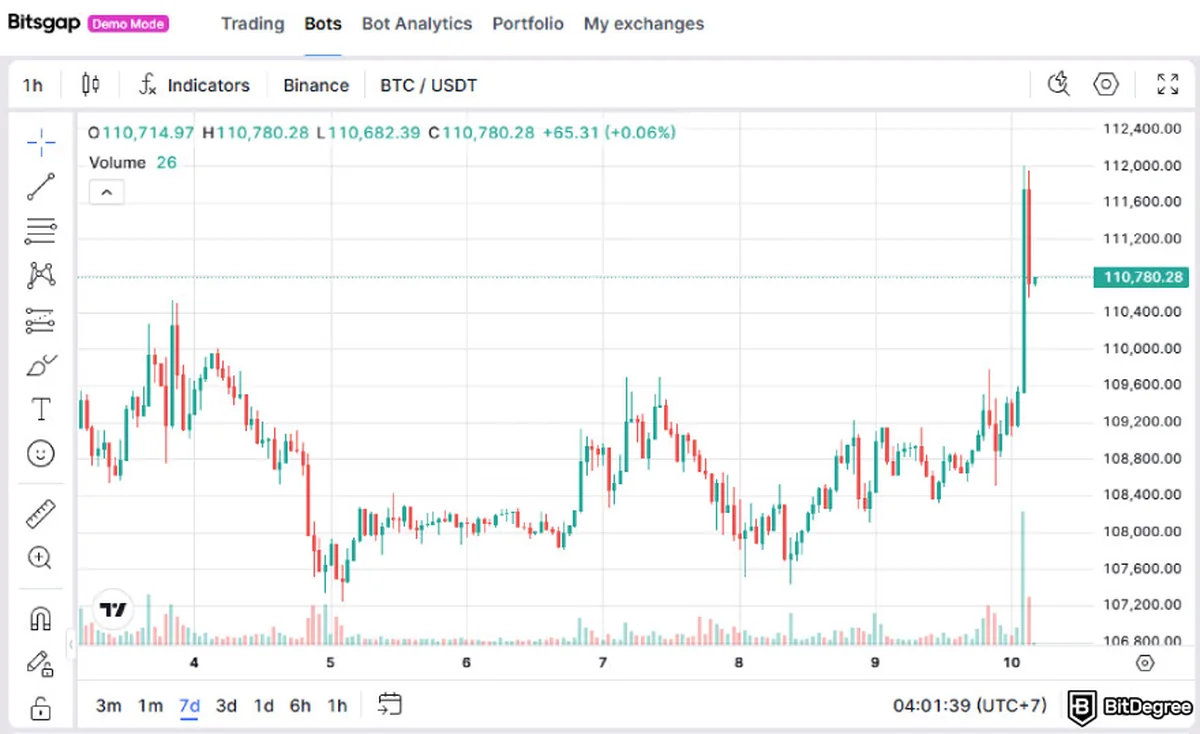
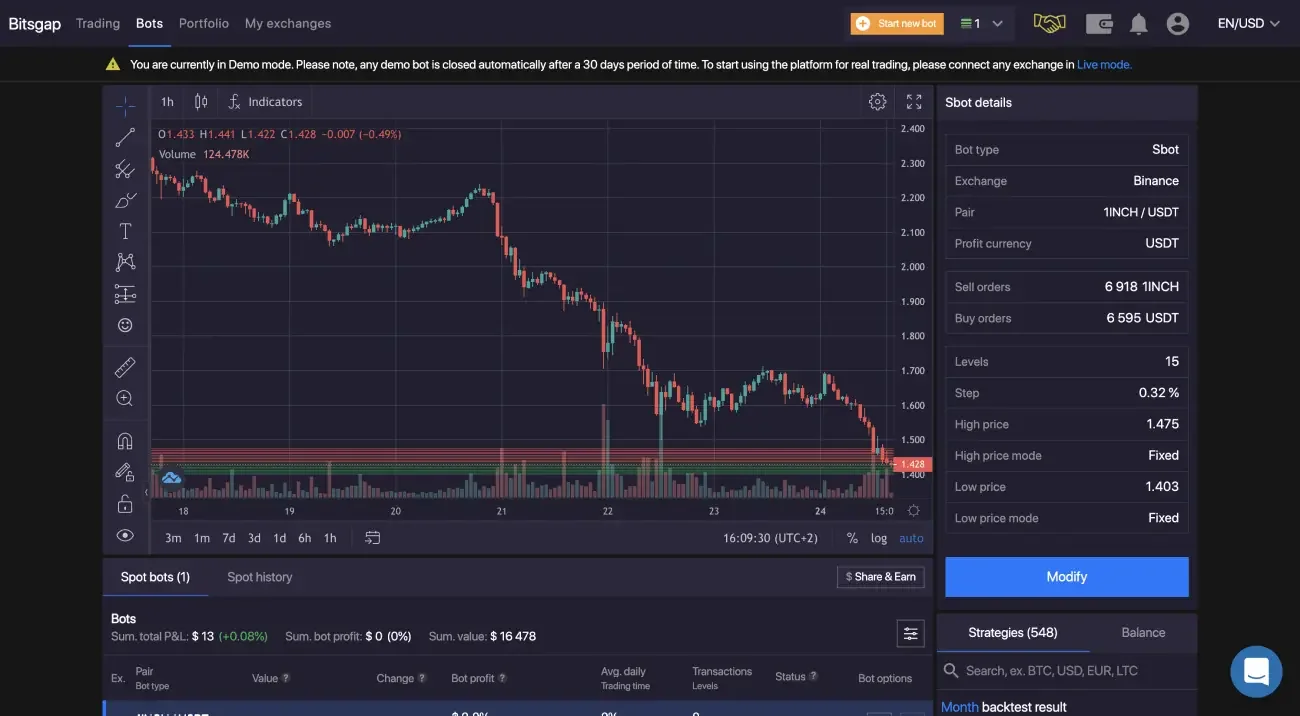
Use it. A week in demo across a real range shows how often the bot fills, what the step earns after fees, and how the position looks when price drifts to the edge. Most disappointed Bitsgap users would have made a different decision after a week of demo, because the thing that surprises people is not the profit per fill — it is how much coin a grid holds when price sits at the bottom of the range.
How do you connect Bitsgap to an exchange securely?
- Bitsgap connects by exchange API key; it never holds your funds.
- Create the key with trading permission only — withdrawal permission off — and, where the exchange allows it, restrict the key to Bitsgap's IP addresses.
- 2FA and passkeys are supported on the Bitsgap account.
- No public independent audit or SOC 2 report was found as of August 2026, and no confirmed breach. The risk that remains is the exchange's, and the risk of a key with too many permissions.
What does the Bitsgap profit column not show?
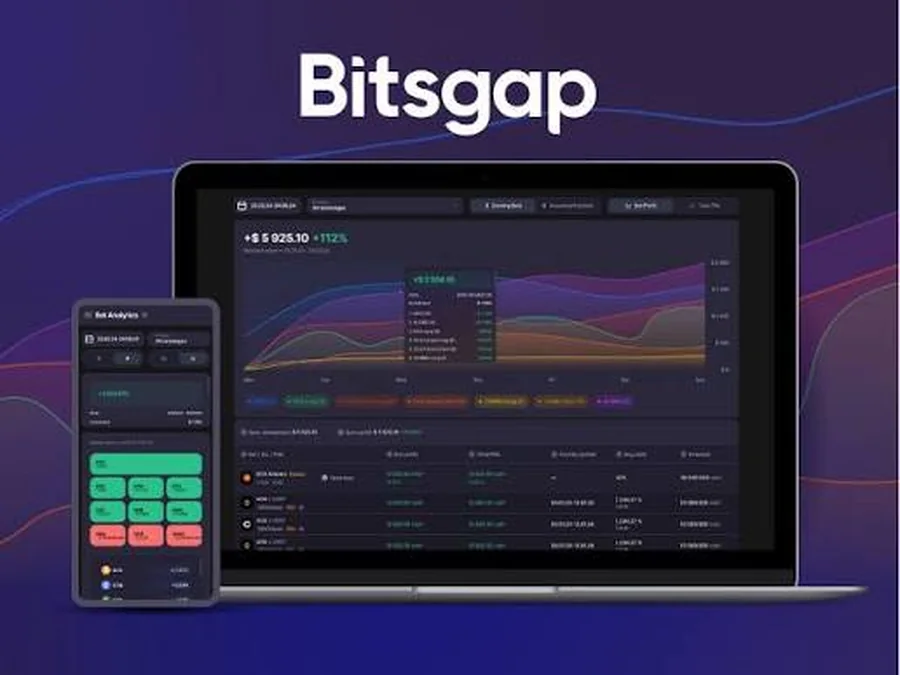
A grid bot's "profit" column counts completed buy-sell pairs. It does not count the coin the bot bought on the way down and has not sold. In a falling market a grid can show a steady stream of small profits while the portfolio loses money, because each completed pair was a small rise inside a larger fall. Judge a bot by the portfolio equity curve against simply holding the quote currency — the only comparison that includes the inventory. The calculator below shows the inventory a grid carries at the bottom of its range.
Grid bot calculator
Enter the range, the number of grids, the investment, your exchange fee and the current price. The calculator returns the step per grid, the profit per completed fill after fees, and the coin inventory and unrealised loss if price falls to the bottom of the range.
Reference data
| Item | Value |
|---|---|
| Company | Bitsgap; prototype 2016, launched 2017; operated from Dubai (Bitsgap Software Solutions FZCO) |
| Plans | Basic $29 ($23 annual), Advanced $69 ($55), Pro $149 ($119) |
| Bot limits | Basic 3 GRID / 10 DCA; Advanced 10 / 50; Pro 50 / 250; futures COMBO and DCA by plan |
| Bots | GRID, DCA, BTD, LOOP, QFL (spot); COMBO, DCA futures |
| Exchanges | About 17 — Binance, Binance.US, Bybit, OKX, Kraken, KuCoin, Coinbase Advanced, Gate.io, Bitget and others, plus some DEXs |
| Trial | 7-day Pro trial without a card; demo mode |
| Security | API keys only; withdrawal permission should be off; 2FA, passkeys |
| Checked | August–September 2026 |
Worked example: the same grid in two markets
A $2,000 BTC grid from $55,000 to $70,000 with 40 grids: each step is about 0.6%, roughly 0.4% after a 0.1% fee each way — and because each grid holds only $50, that is about 20 cents per completed buy-sell. In a month where BTC oscillates between $60,000 and $66,000 the bot completes around 60 round trips: about $12, less than the $23 plan. The same grid on $20,000 earns about $2 per fill and $120 for the month — 0.6%, before the inventory risk below. That is the honest size of grid income, and why the plan fee matters so much on small accounts.
The next month BTC falls from $62,000 to $54,000 and stays there. The bot keeps completing small round trips on the way down — the profit column still rises — but by $55,000 it holds nearly all of its capital in BTC bought between $62,000 and $55,000, and below the range it stops selling. On the $2,000 grid the portfolio is down about $150 against holding dollars while the profit column shows a few dollars of gains. Same bot, same settings; the market changed regime. That is the whole lesson of grid bots, and the reason to pick the range from structure — the dealing range and its liquidity on the higher timeframe — rather than from the last week's high and low.
What mistakes do traders make with crypto bots?
- Reading the bot profit column as the result. The portfolio equity curve is the result.
- Running a grid through a trend. Grids are range bets.
- Setting too many grids. When the step is smaller than the round-trip fee, every fill loses.
- Using leverage on a DCA futures bot without a hard stop. A trend liquidates the position.
- Creating an API key with withdrawal permission.
- Paying for Pro on a small account. The plan fee is a hurdle the bot has to clear first.
Bots and a Smart Money read
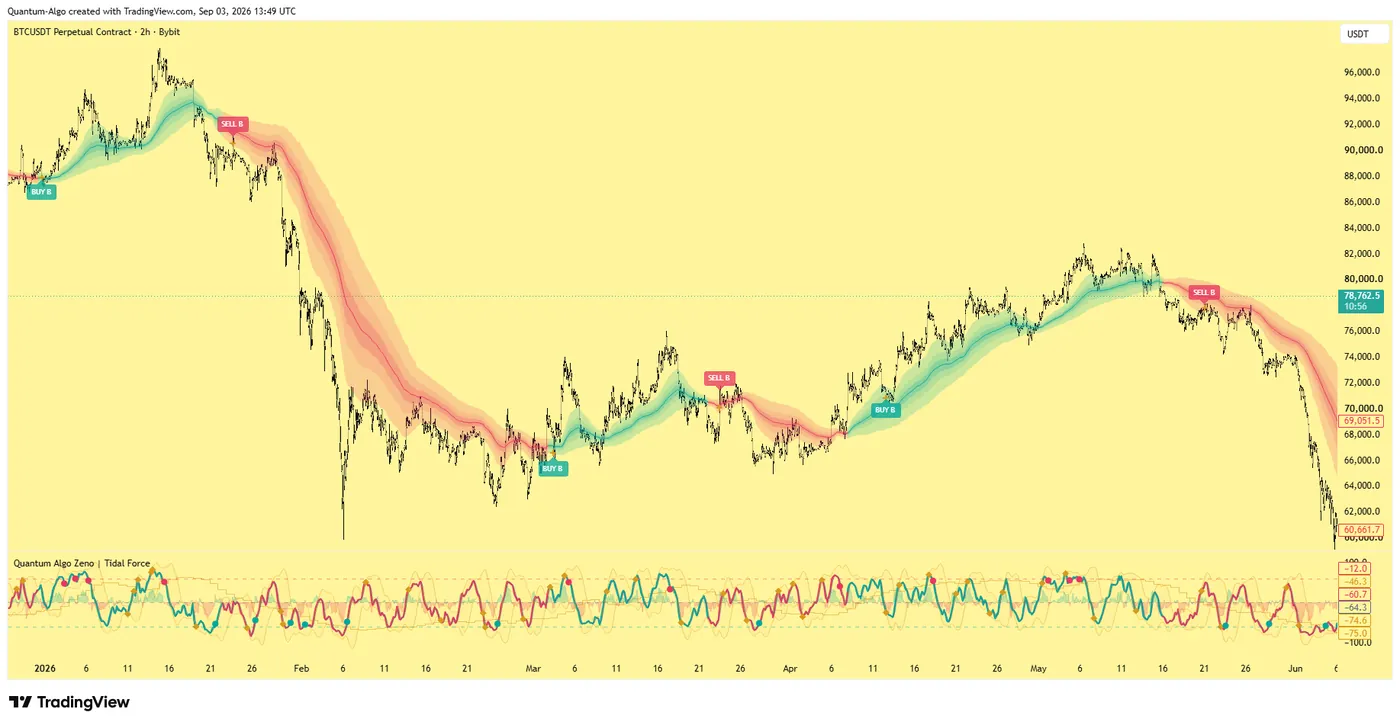
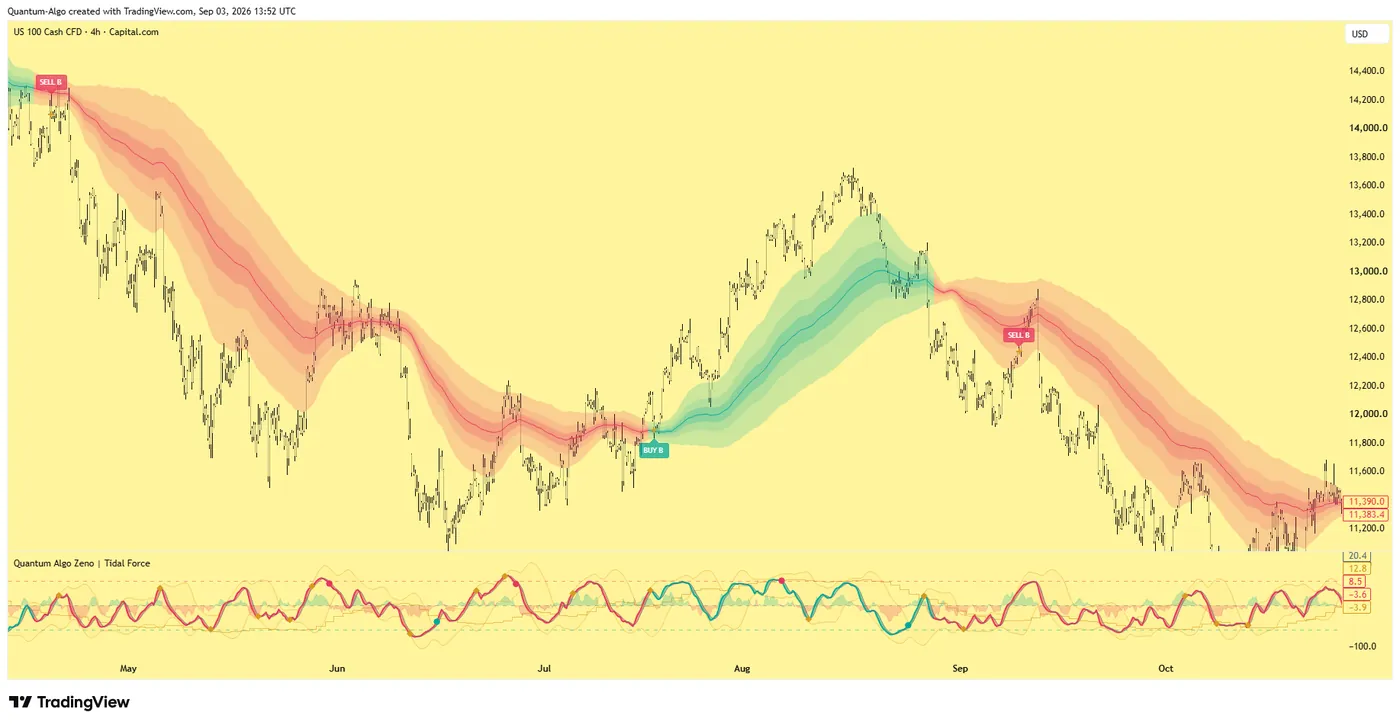
A bot is only as good as the market view behind it, and the Smart Money read supplies one: a range bot belongs inside a higher-timeframe range that has both edges swept and is building, and should be switched off when a displacement candle breaks the range and leaves a fair value gap; a DCA bot belongs at a higher-timeframe order block in discount, not in mid-range. Zeno draws those levels on the TradingView crypto chart. For signal-based execution rather than grids, QuantumBot trades Zeno's confirmed signals on the exchange — a different kind of bot, betting on the signal rather than the range. The crypto indicator guide and crypto SMC guide cover the read.
Bitsgap is a well-built tool for expressing a market view automatically, not a source of edge. Choose the bot by the regime you expect — grids for ranges, DCA for mean reversion — set the range from the higher-timeframe structure, run it in demo for a week, judge it by the portfolio equity curve rather than the profit column, keep withdrawal permission off the API key, and only pay for a plan once the account is large enough that the fee is noise.
◆ Interactive check
Do you know what your bot is betting on?
Questions traders ask about Bitsgap
Yes. Bitsgap has operated since 2017 and is run by Bitsgap Software Solutions FZCO in Dubai. It connects to exchanges through API keys and never holds your funds. No independent audit or SOC 2 report was found as of August 2026, and no confirmed breach; the main risks are the exchange itself and API keys created with too many permissions.
Basic $29 a month ($23 billed annually), Advanced $69 ($55) and Pro $149 ($119), checked August 2026. Plans differ in bot limits — 3, 10 or 50 grid bots — and futures features. There is a seven-day Pro trial without a card and a demo mode. Exchange trading fees are separate.
They make money when the market behaves the way the bot assumes: grids in ranges, DCA bots in mean-reverting markets. They lose it when the regime changes — a grid through a breakdown ends up holding coin bought all the way down. The bot is a tool for a market view, not a source of edge.
About 17 centralised exchanges, including Binance, Binance.US, Bybit, OKX, Kraken, KuCoin, Coinbase Advanced, Gate.io and Bitget, plus some decentralised venues.
Create an API key with trading permission only and withdrawal permission disabled, restrict it to Bitsgap's IP addresses where the exchange allows, and enable 2FA on both accounts. Bitsgap cannot move funds out of your exchange with such a key.
The one that matches the market: a GRID bot inside a well-defined range, a DCA bot at a higher-timeframe support in a mean-reverting market, a COMBO bot only with strict risk on leverage. None is best in every regime.
Both run grid and DCA bots across major exchanges. Bitsgap is stronger on grid bots, the unified terminal and demo mode; 3Commas on DCA configuration and signal integrations. Choose by the bot type you use most.
Yes — a seven-day Pro trial without a card, and a demo mode with a simulated balance. Run a bot in demo for a week across a real range before connecting an exchange.
References & Related Guides
Read next
- Do Trading Bots Work?
- Best Trading Bots
- Grid Trading Strategy
- What Is a Trading Bot?
- Best Crypto Indicator
- Crypto SMC Trading
- Day Trading Crypto
- Funding Rate Trading
- Copy Trading vs Automated Trading
- Bitcoin SMC Strategy (Academy)
- Pine Script Alternatives
- QuantumBot — signal-based crypto execution