HomeFeaturesAcademyLive SignalsCompareTrack RecordPricingToolsIndicator LibraryBlog
🌐 ES FR DE ZH AR
Log In Sign Up

The Indicator Library

Every Quantum Algo indicator in one place. Add our free TradingView scripts to your chart in one click, or unlock the premium Smart Money Concepts suite with Zeno.

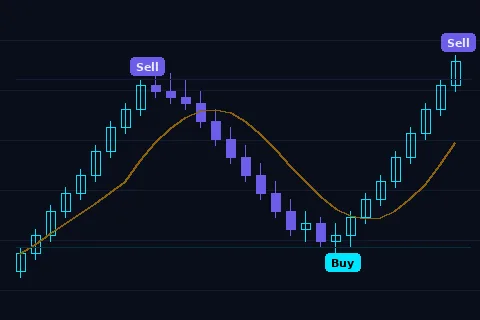
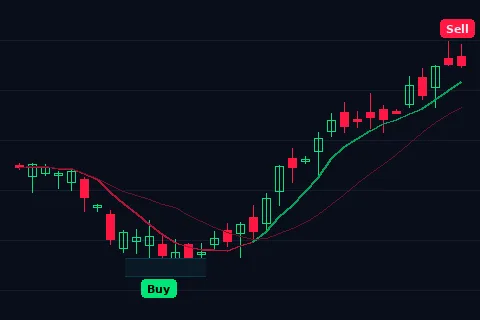
Adaptive Trend Sentinel indicator with Buy and Sell signals
Adaptive Trend Sentinel Free

Dynamic trend-following indicator with automated Buy and Sell labels at precise reversals. Adapts to market volatility in real time.

View on TradingView ↗
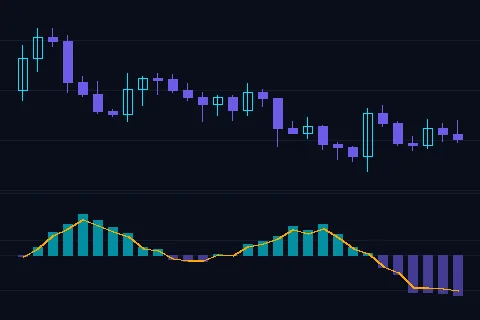
Directional Strength Index oscillator for momentum and trend analysis
Directional Strength Index Free

Multi-system oscillator measuring momentum direction and strength. Histogram bars with signal crossovers for precise trend confirmation.

View on TradingView ↗
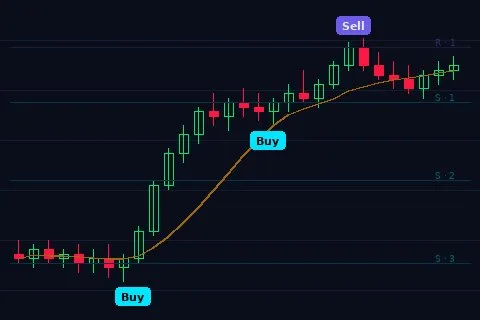
Institutional Key Levels with Long and Short signals at major pivot points
Institutional Key Levels Free

Identifies institutional support and resistance with Long and Short signals at major pivot points. Dynamic envelope bands adapt to market structure.

View on TradingView ↗
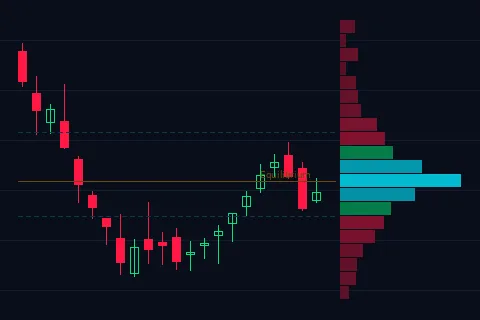
Institutional Volume Profile with equilibrium and control zones
Institutional Volume Profile Free

Real-time volume profile with equilibrium zones, control levels, and EQ High/Low. See where institutional orders are concentrated.

View on TradingView ↗
Institutional Gravity Zone indicator with Buy Sell signals and Fibonacci levels
Institutional Gravity Zone Premium

Buy & Sell signals, Fibonacci gravity zones, institutional moving average, and AI trend detection — the flagship premium overlay.

Unlock with Zeno →

Free indicators open on TradingView. Premium tools are included with a Quantum Algo plan. Every signal is backed by a public, verified track record.

Indicator Library — FAQ

Quick answers about the free and premium Quantum Algo indicators.

Are the Quantum Algo indicators free?

The four indicators in the library — Adaptive Trend Sentinel, Directional Strength Index, Institutional Key Levels and Institutional Volume Profile — are completely free and open on TradingView. The Institutional Gravity Zone is a premium overlay included with a paid Quantum Algo plan.

How do I add a free indicator to my TradingView chart?

Open the indicator from its TradingView page and click “Add to favorite indicators.” It then appears under Favorites in the TradingView indicator menu, ready to load on any chart and timeframe.

What is the difference between the free and premium indicators?

The free indicators cover trend, momentum, key levels and volume. The premium Institutional Gravity Zone adds Buy & Sell signals, Fibonacci gravity zones, an institutional moving average and AI trend detection — the flagship overlay.

Do the indicators work on all markets and timeframes?

Yes. They run on any TradingView symbol — crypto, forex, gold, stocks and indices — across every timeframe from scalping to swing trading.